Prompts people actually
stop scrolling for.
Every prompt is written out in full and ready to paste into an AI generator. Watch the preview first, then copy the exact text and swap the highlighted parts for your own subject.
Trending
The ones people are running right now.
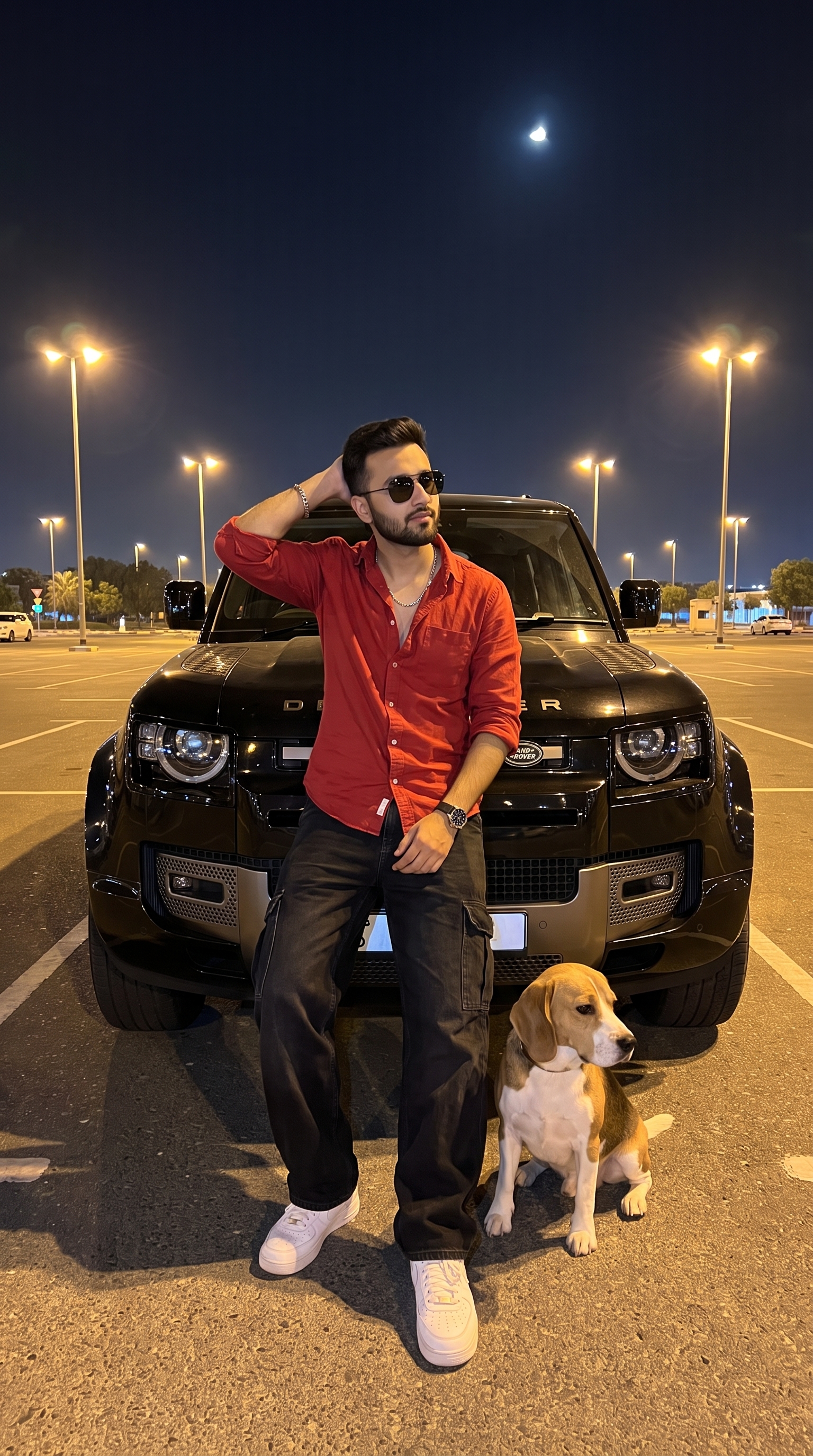
Streetlight Defender Chill
Sitting on the bonnet of a black Defender in a floodlit car park at night, dog alongside, crescent moon overhead.
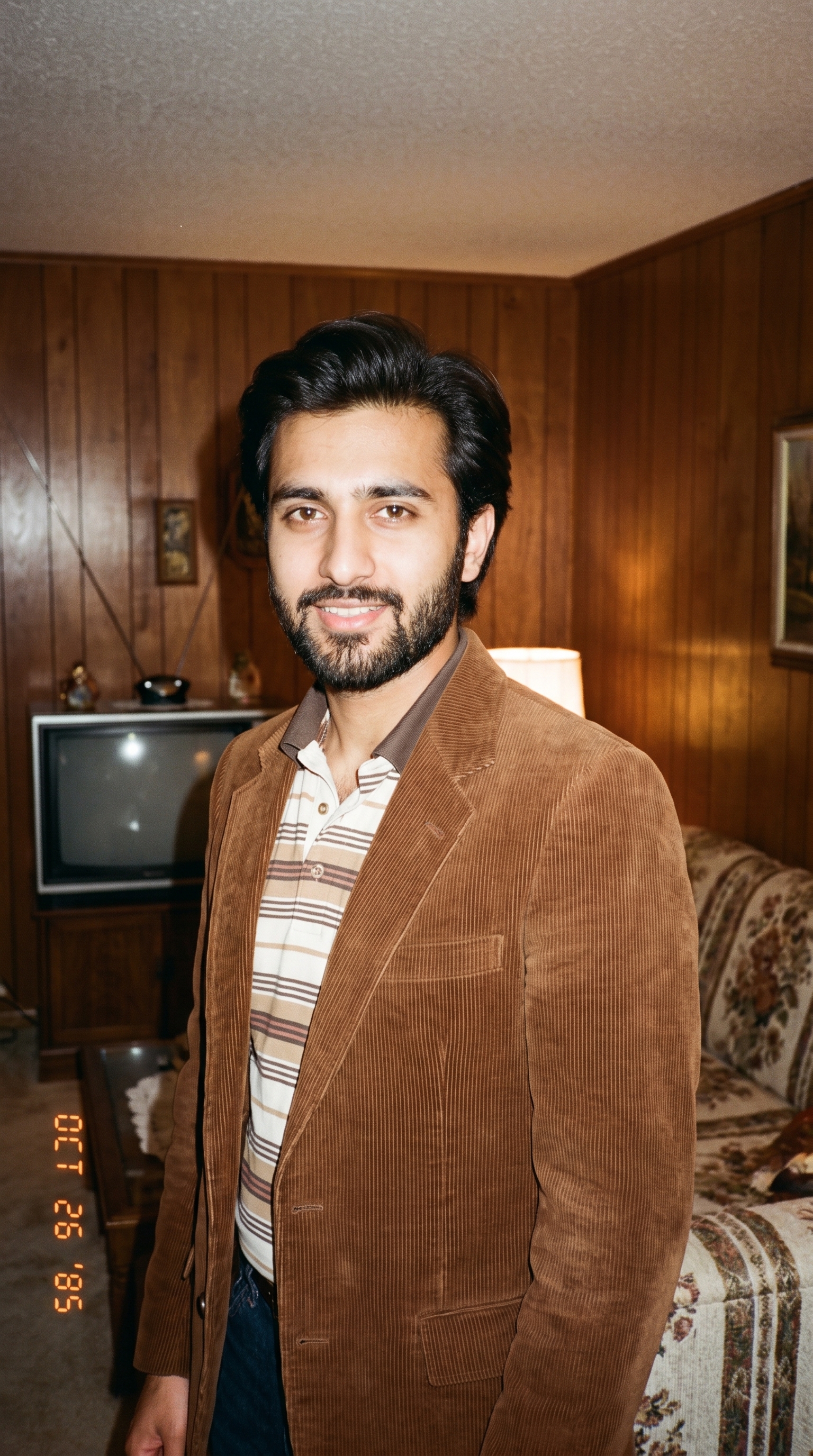
The 80's Look
Rebuilds the person into a real 1980s snapshot — period hair, clothing and room, on consumer 35mm stock. Its sharpest instruction is the one forbidding a vintage filter.
Videos
Prompts written for AI video generators.
Custom Wrap Hypercar Reveal
A seven-shot showroom sequence that wraps any car in any material — crocodile leather, marble, chrome — and shoots it like a launch film.
Will It Blend
The oldest format on the internet, rebuilt for AI: drop something expensive into a blender and film it turning to dust. Includes a 5-second cut and a longer 10-second version.
Acid Bath Restoration
A rust-caked figurine is submerged in acid and foams itself clean, ending on mirror-polished silver. Pure satisfying-loop bait.
Industrial Shredder Drop
Deliberately unglamorous CCTV-style footage of a twin-shaft shredder eating something whole. The negative prompt is what keeps it looking real.
Tiny Crew Rust Rescue
A hardhat crew the size of grains of rice scrapes the rust off a corroded object, then cheers when it powers back up. Tilt-shift stop-motion.
Miniature Crew Prompt Engine
Not a video prompt — a prompt that writes them. Paste it into a chat model and it returns ten tiny-worker concepts, then builds the final generator prompt with the "no stray soil or grass" fix baked in.
Drone Light Show Spectacle
Thousands of drones assemble a giant glowing figure over a night skyline, filmed handheld from inside the crowd with phones in the air.
Tiny Crew Food Build
Miniature workers run cranes and shovels across a plate of food, shot with moody restaurant lighting and rising steam.
Instagram Prompts
Formats built for the feed — hooks in the first two seconds, vertical, sound-led.
String Art
Builds a portrait in thread and nails across ten seconds, beat by beat. Opens with a six-line lock on the face before the craft brief even starts.
Roller Coaster Ride
First-person plunge down a coaster, with the setting left as a single swappable word — Greece, Jurassic Park, the Moon, lava.
Miniature Unboxing
A full macro ASMR unboxing storyboarded to the second, four scenes across ten. Insists the box and every accessory match how the real product actually ships.
Styrofoam Carving Workshop
Five-step ASMR craft build: blocks glued into a cube, outlined in marker, then carved and sanded into a finished sculpture.
Viral Parrot Meeting
Five parrots hold an emergency board meeting until one is caught with a cracker. Beat-by-beat timing and a full sound design brief.
Ghost Mannequin 360
Turns a product photo into a floating 360° e-commerce spin. Most of the text is spent forbidding drift, bounce and camera movement.
AI Bottle Drop
A locked-off staircase shot: bottle bounces down step by step, breaks once halfway, leaves the treads soaked in its own colour.
AI Cap Showcasing Ads
A six-beat product film from one cap photo, timed to the frame and ending on a locked-off plate for a logo. The longest negative prompt in the library.
Logo Animation
Reveals a real sign or logo onto its own photograph — a VFX overlay on a locked-off still, ending on a frame identical to the reference. A template: fill the reveal style to match the material.
Train Transition
A locked-off carriage window: countryside, then a blackout tunnel, then another century entirely. The tunnel is the cut, and there is no cut.
80s Indian College Campus Vibe
Acid-wash denim, feathered hair and a Bajaj Chetak on a period campus, shot on Kodak 35mm at golden hour. Adapts the wardrobe to the subject in the photo.
Luxury Retro Car & Highway Look
Leaning on a Premier Padmini or Ambassador on a sunset highway, aviators and pleated trousers. A slow zoom around car and subject.
Watermelon Crafting
Green rind, white pith, red flesh — three colours a knife can reveal in layers. A steady-cam time-lapse from first outline to finished 3D sculpture.
Building Banner CGI Animation
Two prompts in order: composite an advert onto a real building, then unroll it down the facade as a weighted PVC banner. The second prompt runs on the still the first one makes.
Images
Prompts written for AI image generators. Each one needs a face to work from.
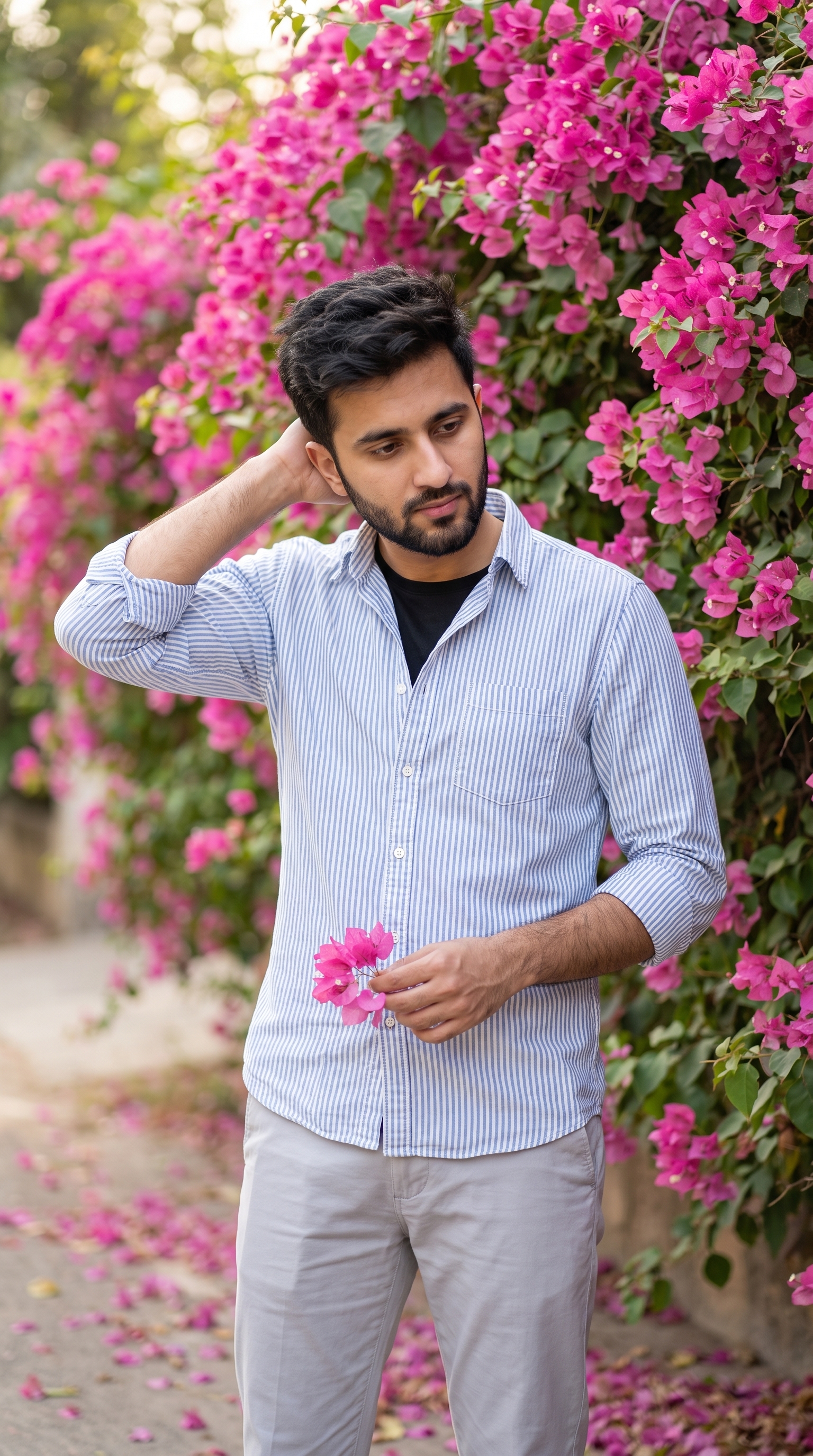
Bougainvillea Wall Portrait
An editorial outdoor portrait against a wall of pink bougainvillea — one long, unbroken instruction covering pose, wardrobe, light and skin texture.
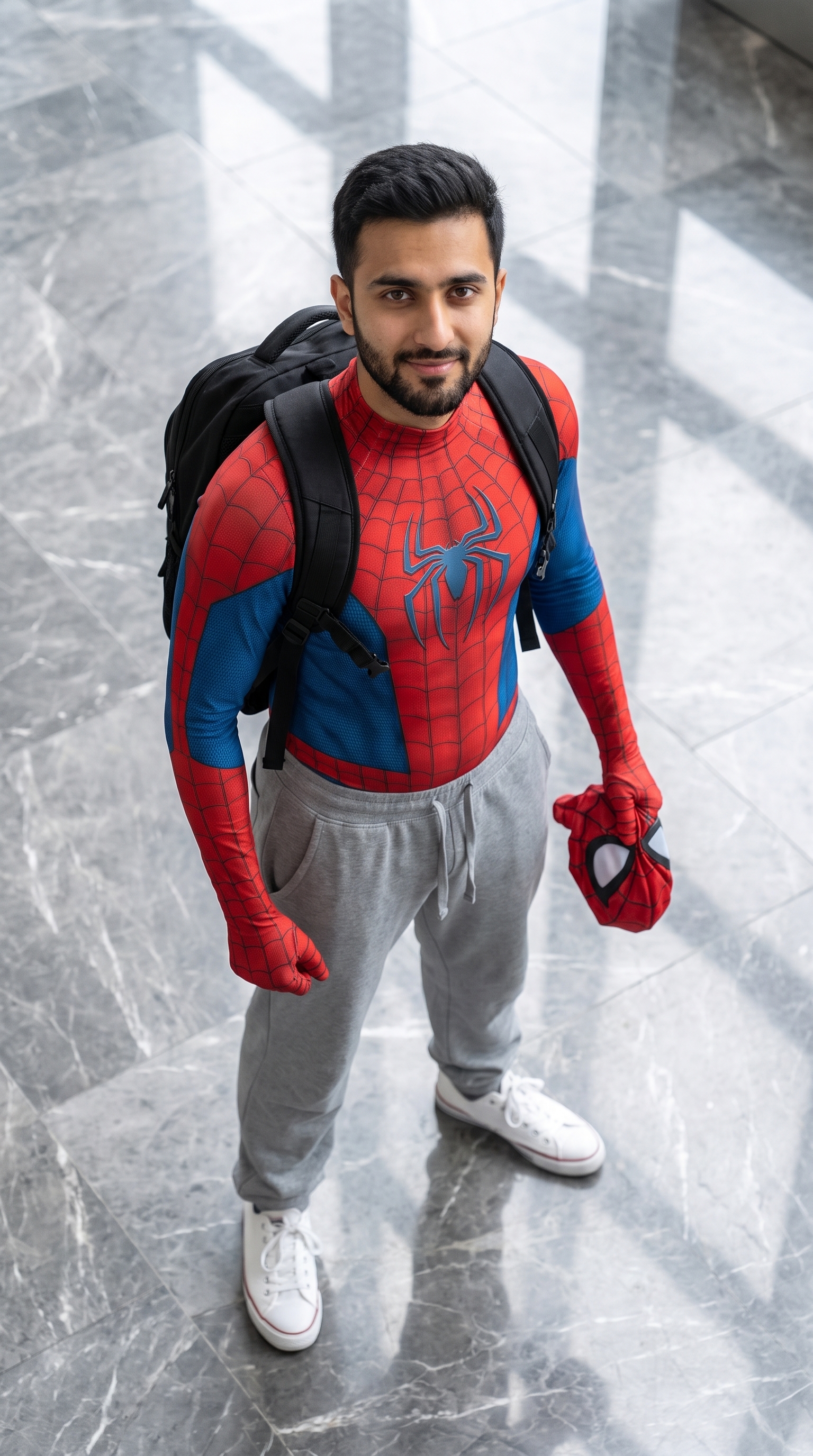
Spider-Man
Superhero suit on top, sweatpants and sneakers below, mask in hand. The whole joke is the half-costume, shot from a high angle.
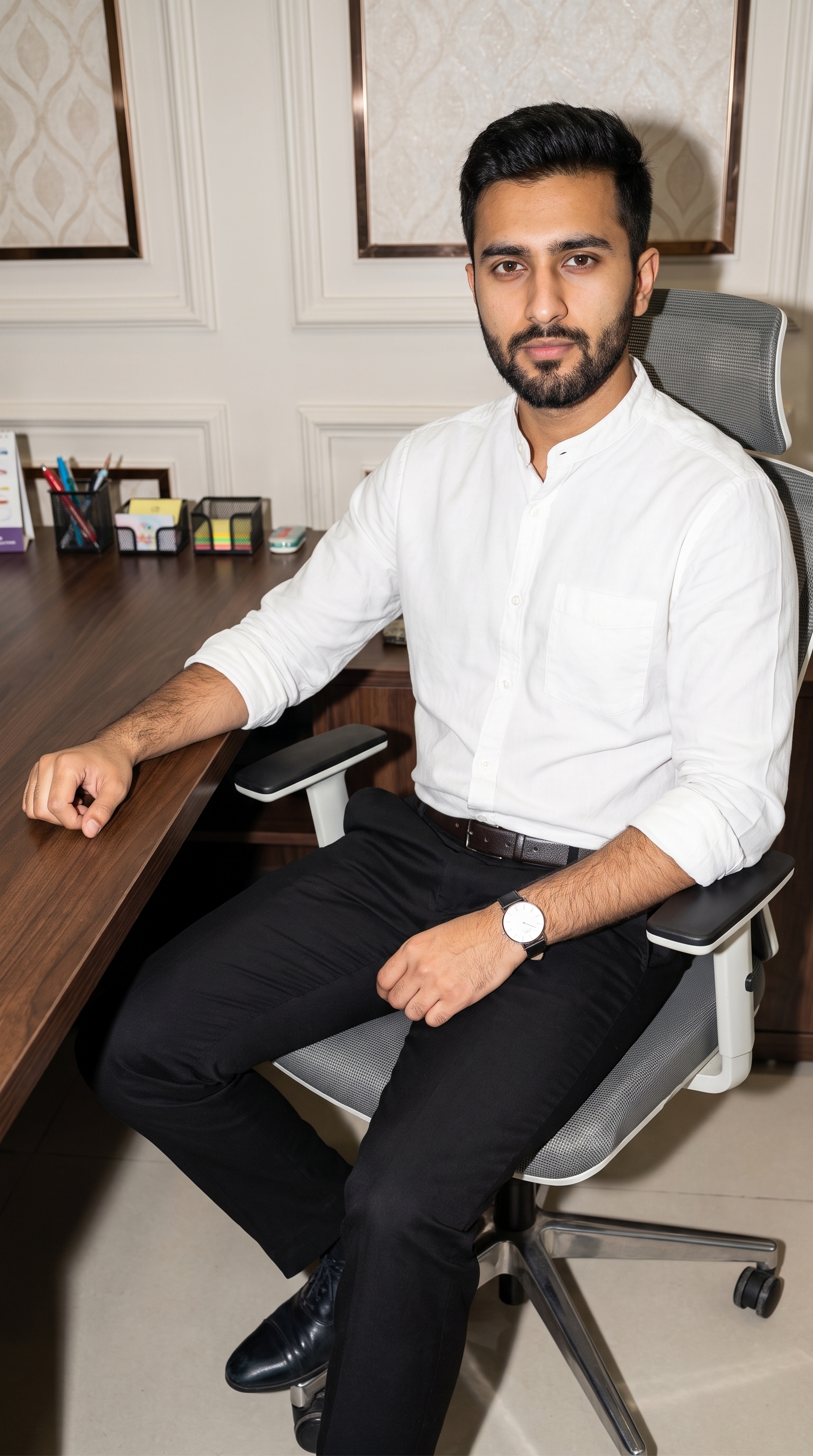
Stylish Office Look
A seated desk portrait shot to look like a phone snap — modern office behind, direct flash, everything about the face locked to the reference.
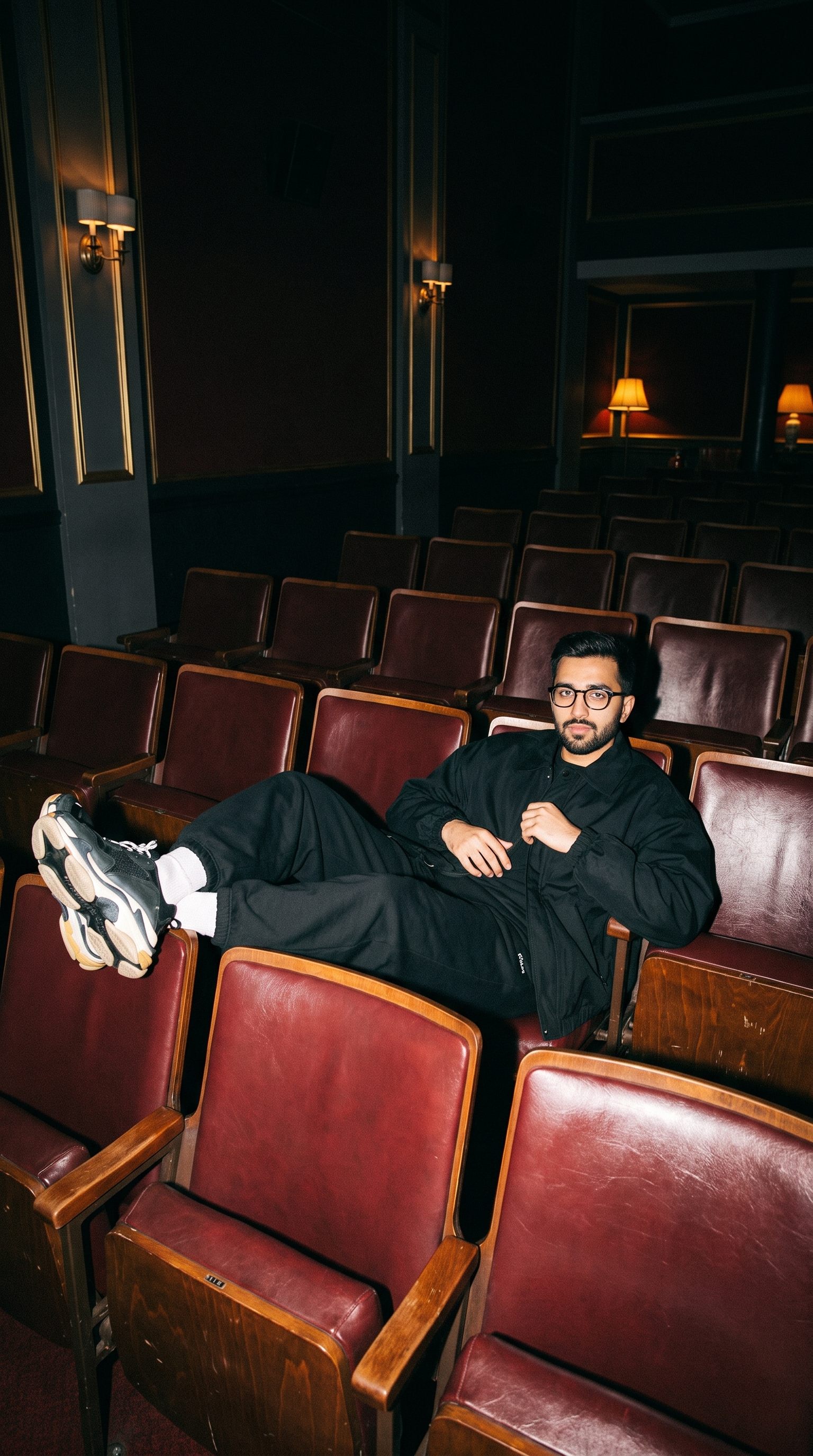
Man Lounging in Vintage Theater Seats
Flash-lit 90s snapshot of someone stretched across empty cinema rows — repeating seat backs, gold sconces and a lot of dark air overhead.
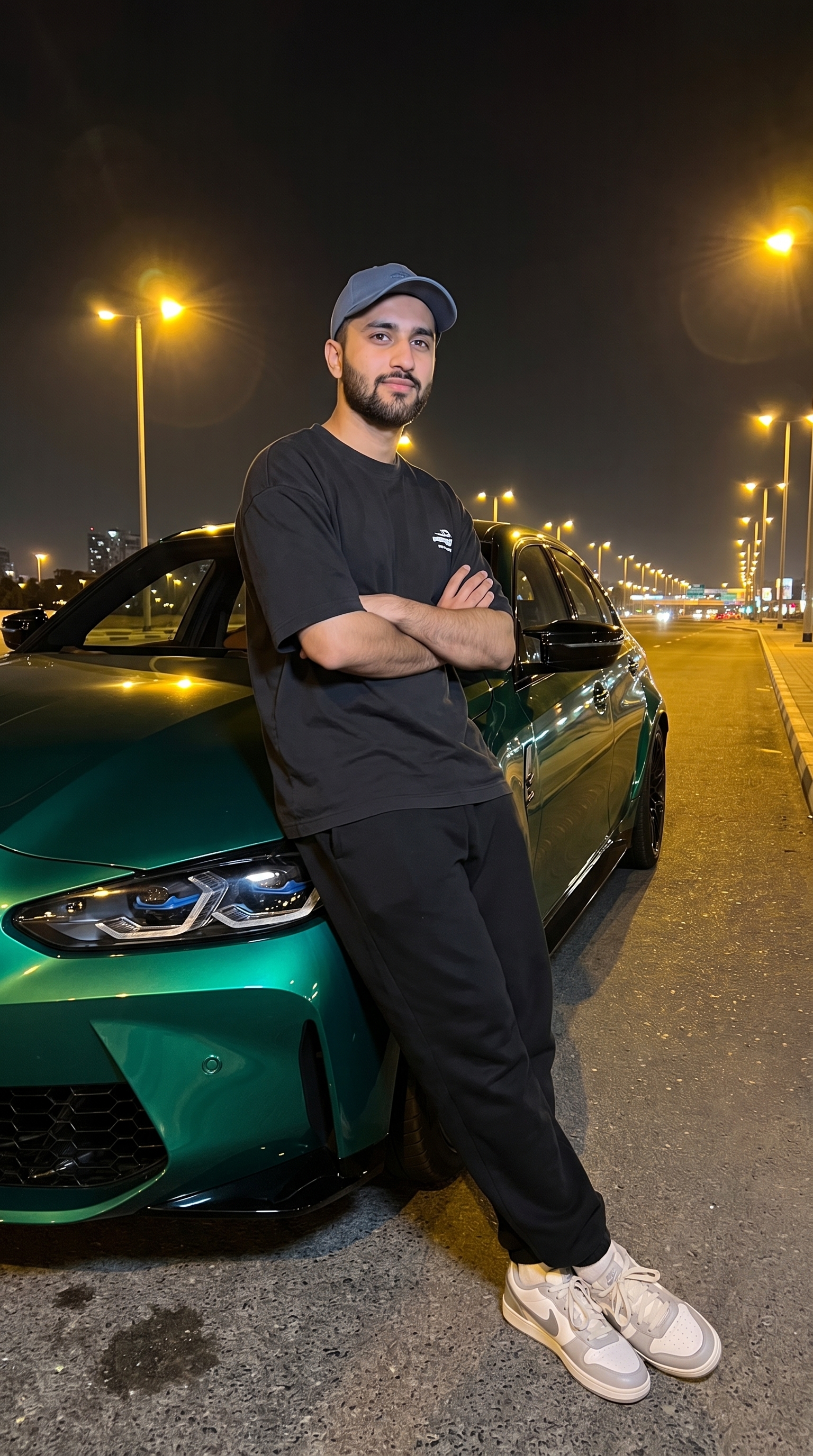
Man Beside Emerald-Green Sports Sedan at Night
Arms crossed against the fender of a green sedan under sodium streetlights. Low angle, saturated reflections, lookbook framing.
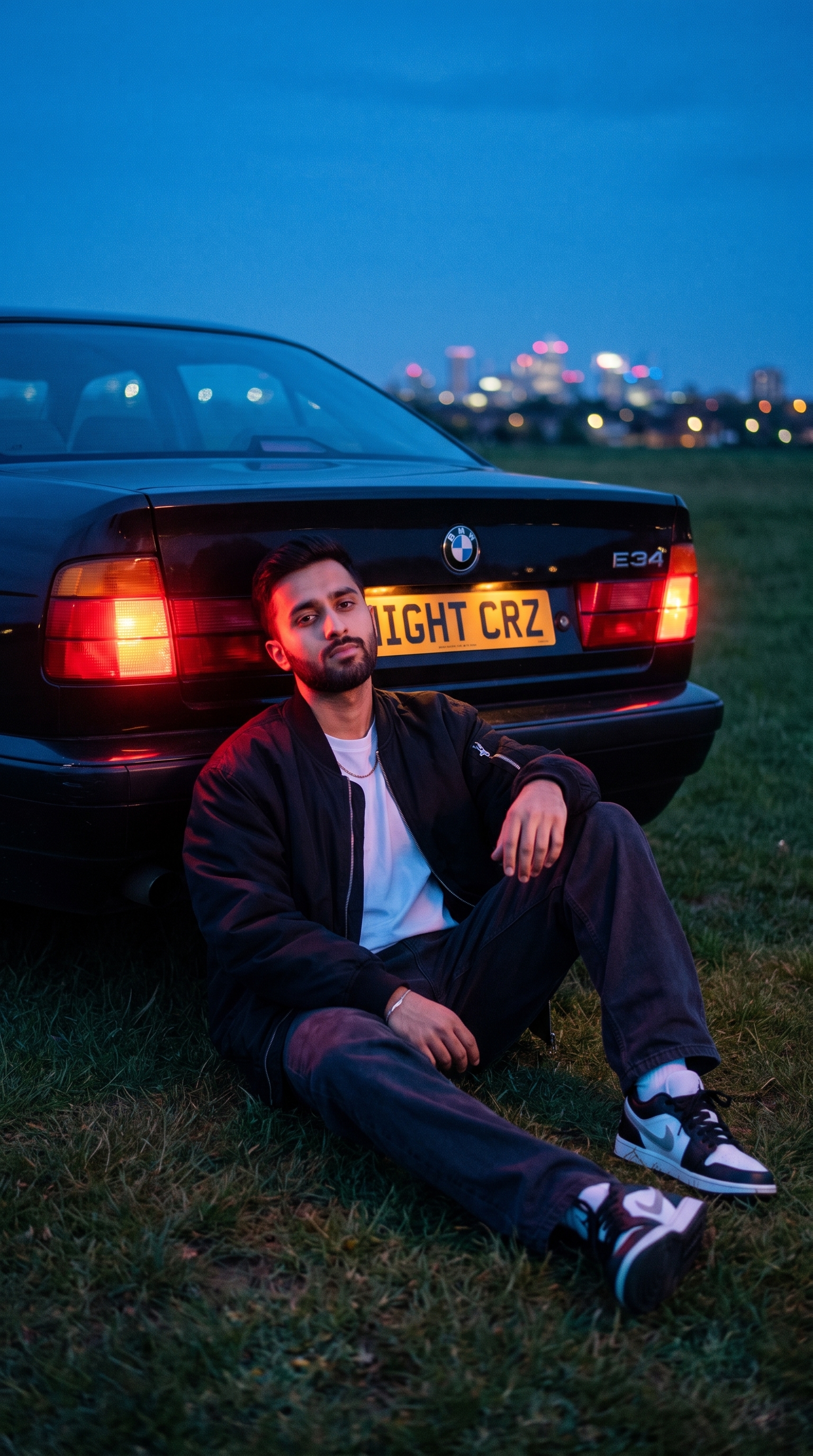
Man Sitting by BMW E34 in Blue-Hour Field
Sitting in the grass inside a car's taillight glow at dusk — the red wrap on the face is the whole shot. Ships with its camera settings.
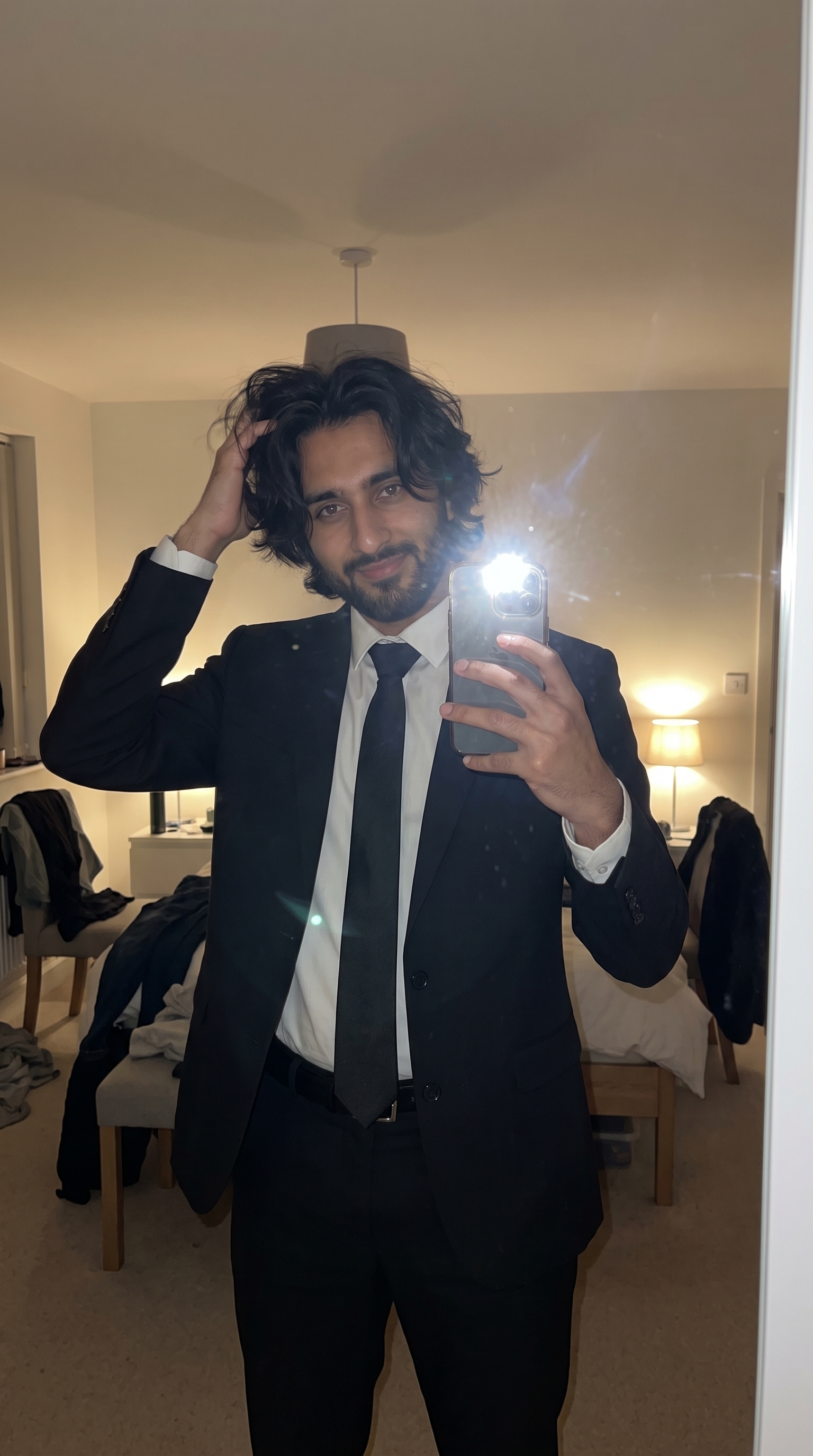
Formal Mirror Selfie in Dim Room
Mirror selfie in a suit with the flash blowing out the glass. Deliberately unpolished, messy room and all.
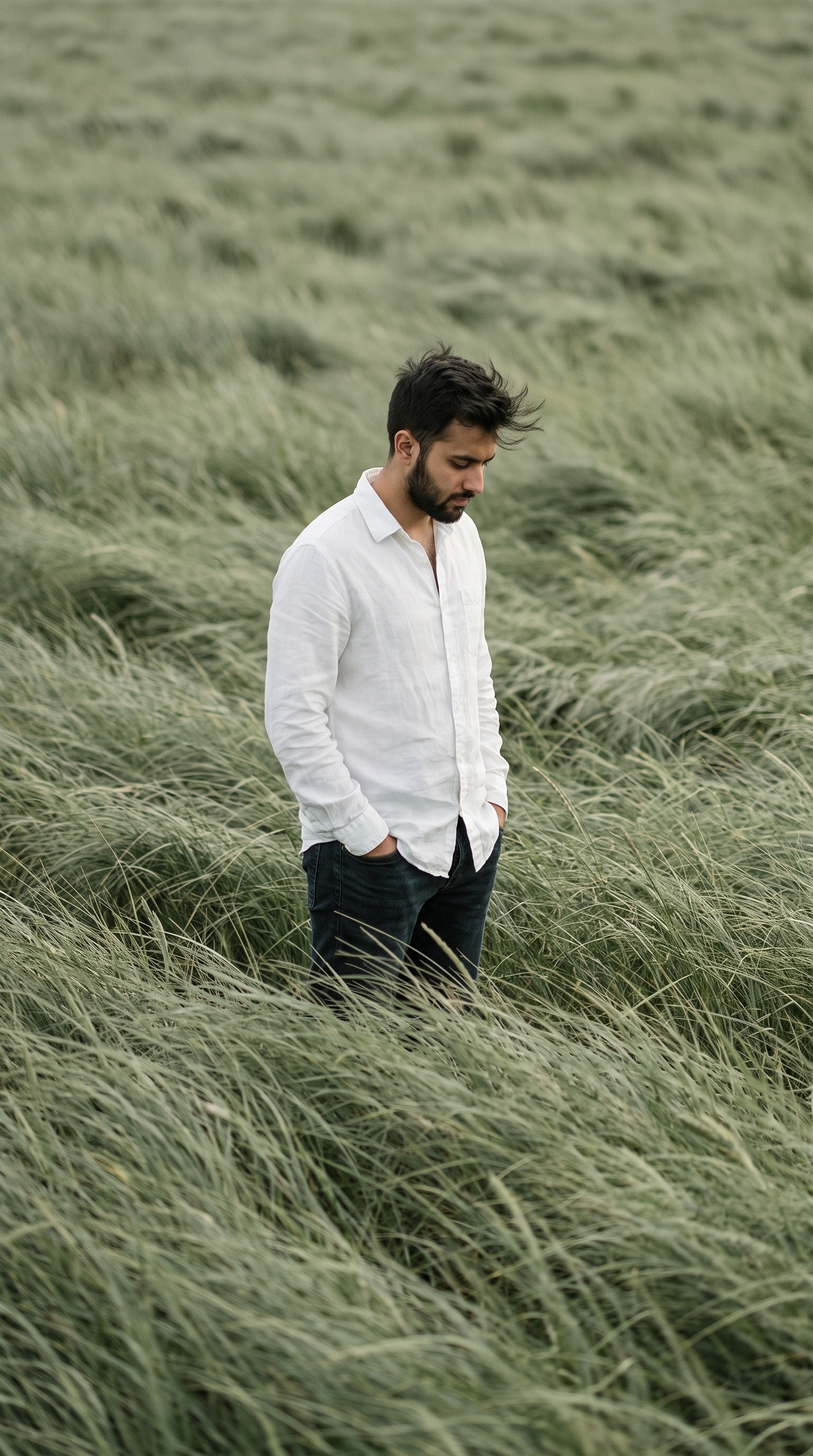
Solitary Figure in Wind-Swept Sage Grass Field
Chest-deep in sage grass moving like water, head down, no horizon anywhere in frame. Quiet, heavily graded, magazine-cover framing.
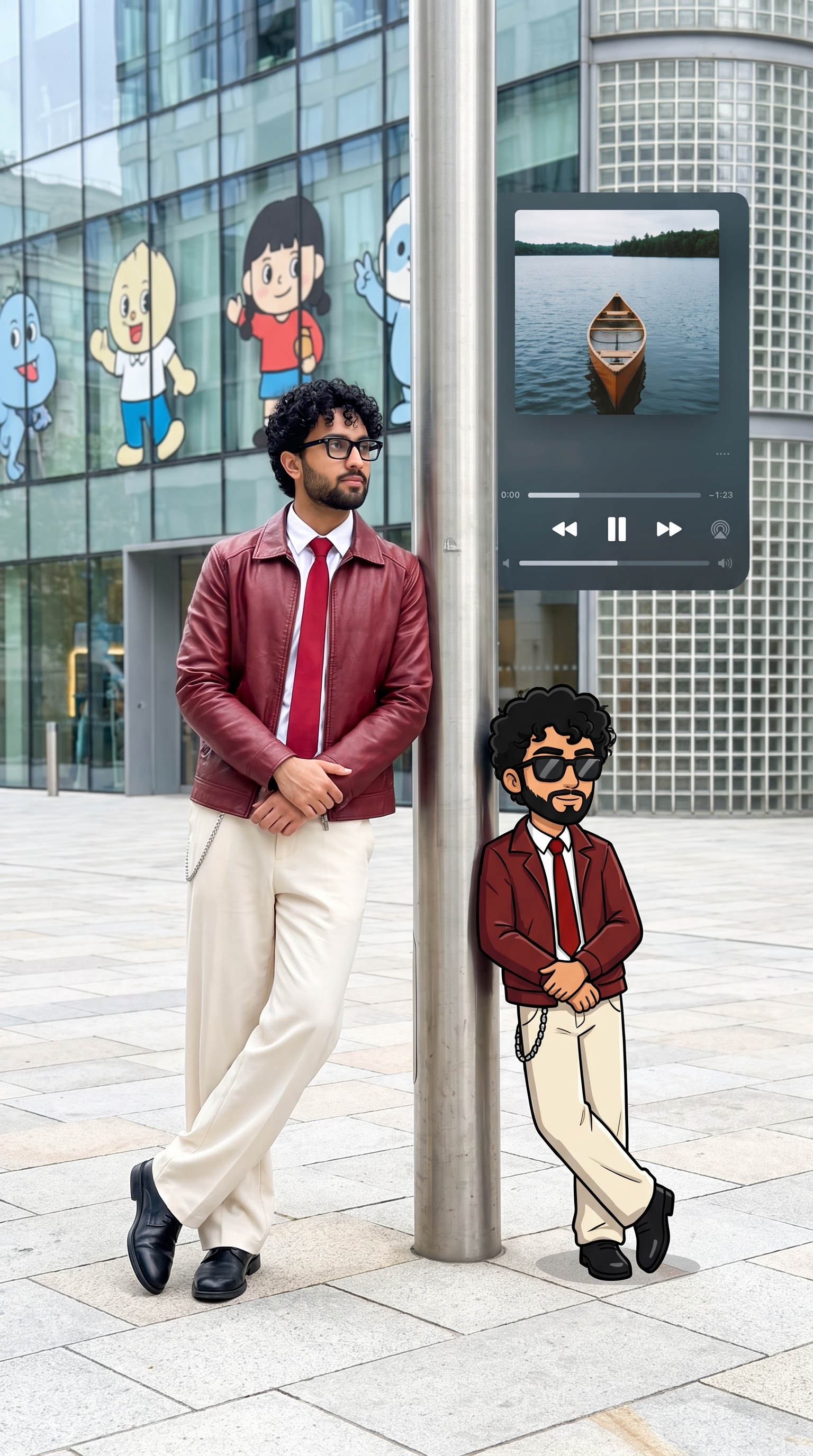
Man Leaning on Pole Beside Cartoon Twin, Urban Plaza
A street portrait with a chibi version of the same person leaning on the other side of the pole, and a floating music player behind them both.
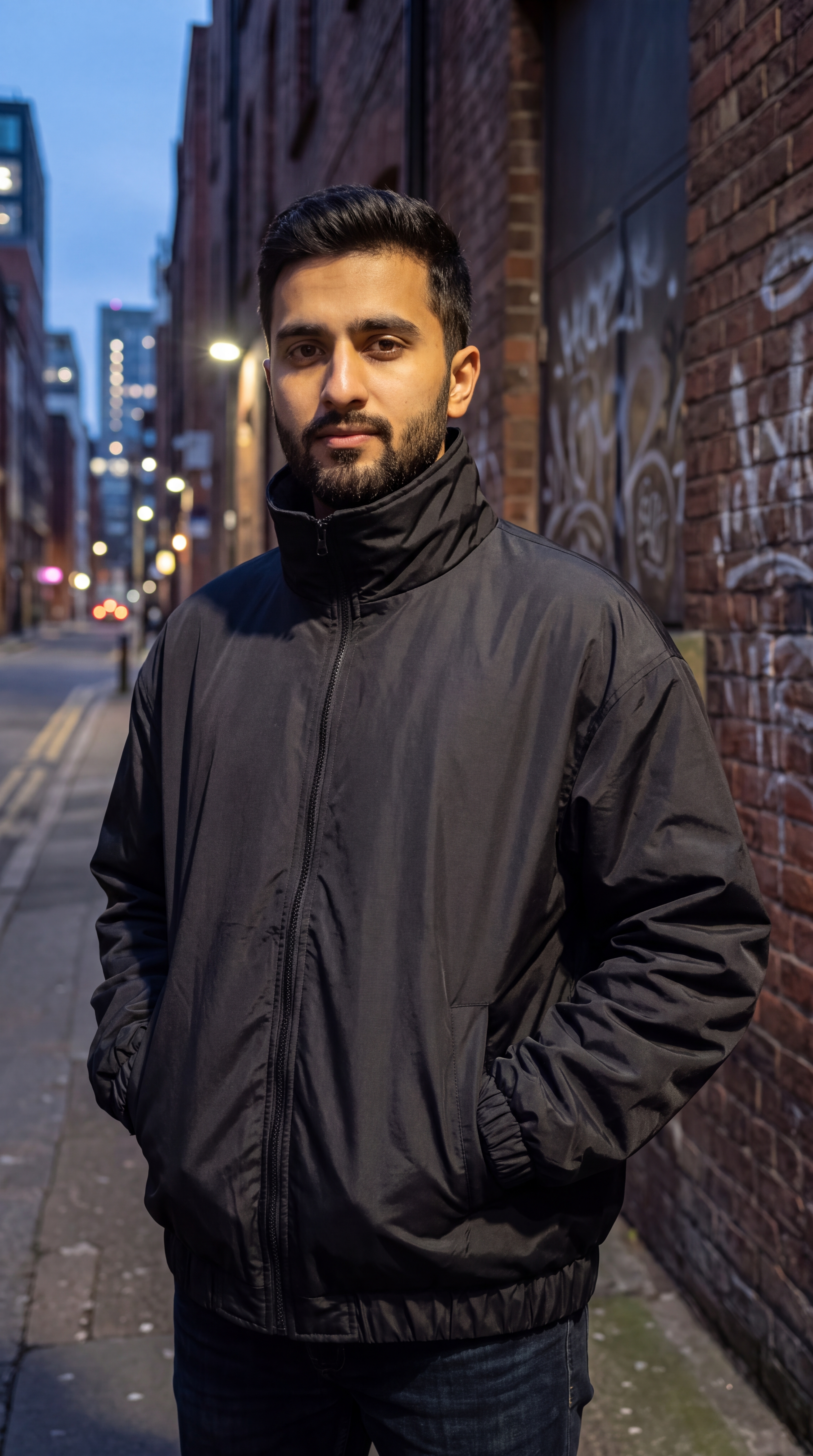
Hashashin Jacket — Product Description
The odd one out: storefront copy for a matte-black, fleece-lined parachute-fabric jacket rather than a shot list. Feed it to a generator for product imagery, or lift it as listing text.
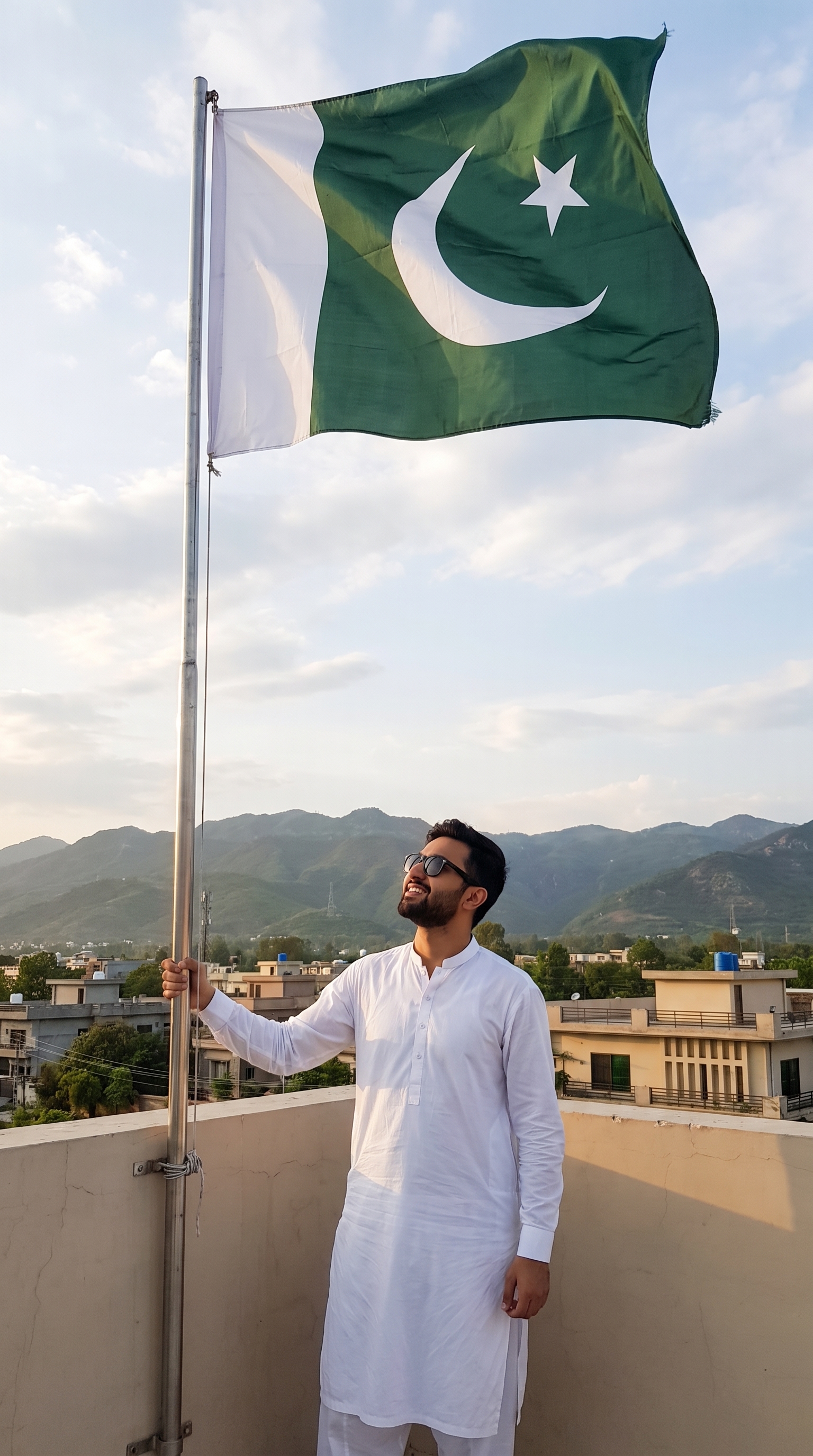
Independence Day Flag
Rooftop portrait in a white kurta-pyjama with the flag caught mid-wave. Both the subject and the flag are swappable.
Streetlight Defender Chill
Sitting on the bonnet of a black Defender in a floodlit car park at night, dog alongside, crescent moon overhead.
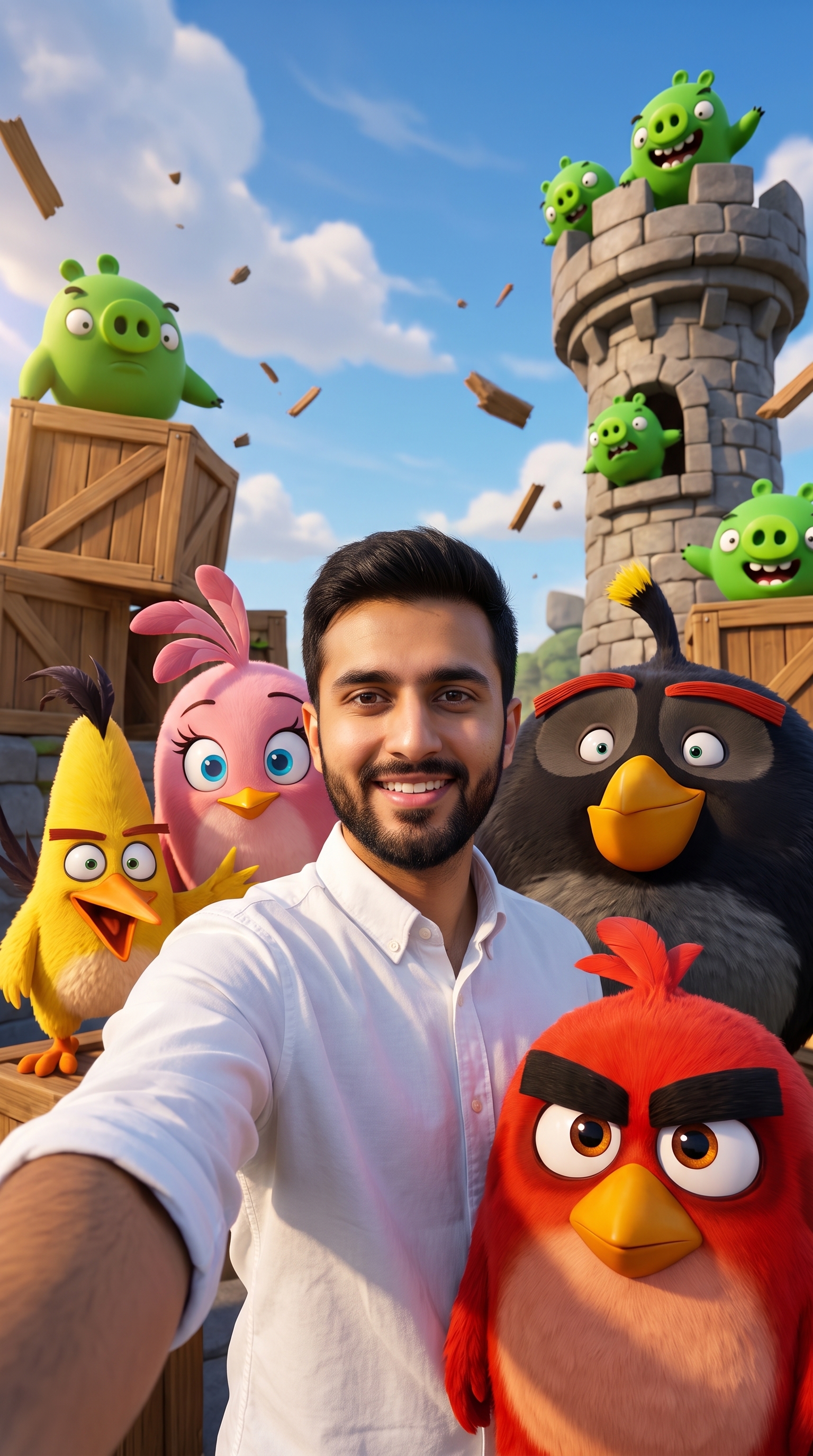
Angry Birds World Selfie
Arm-extended selfie among Red, Chuck, Bomb, Stella and the pigs, wooden towers mid-collapse behind.
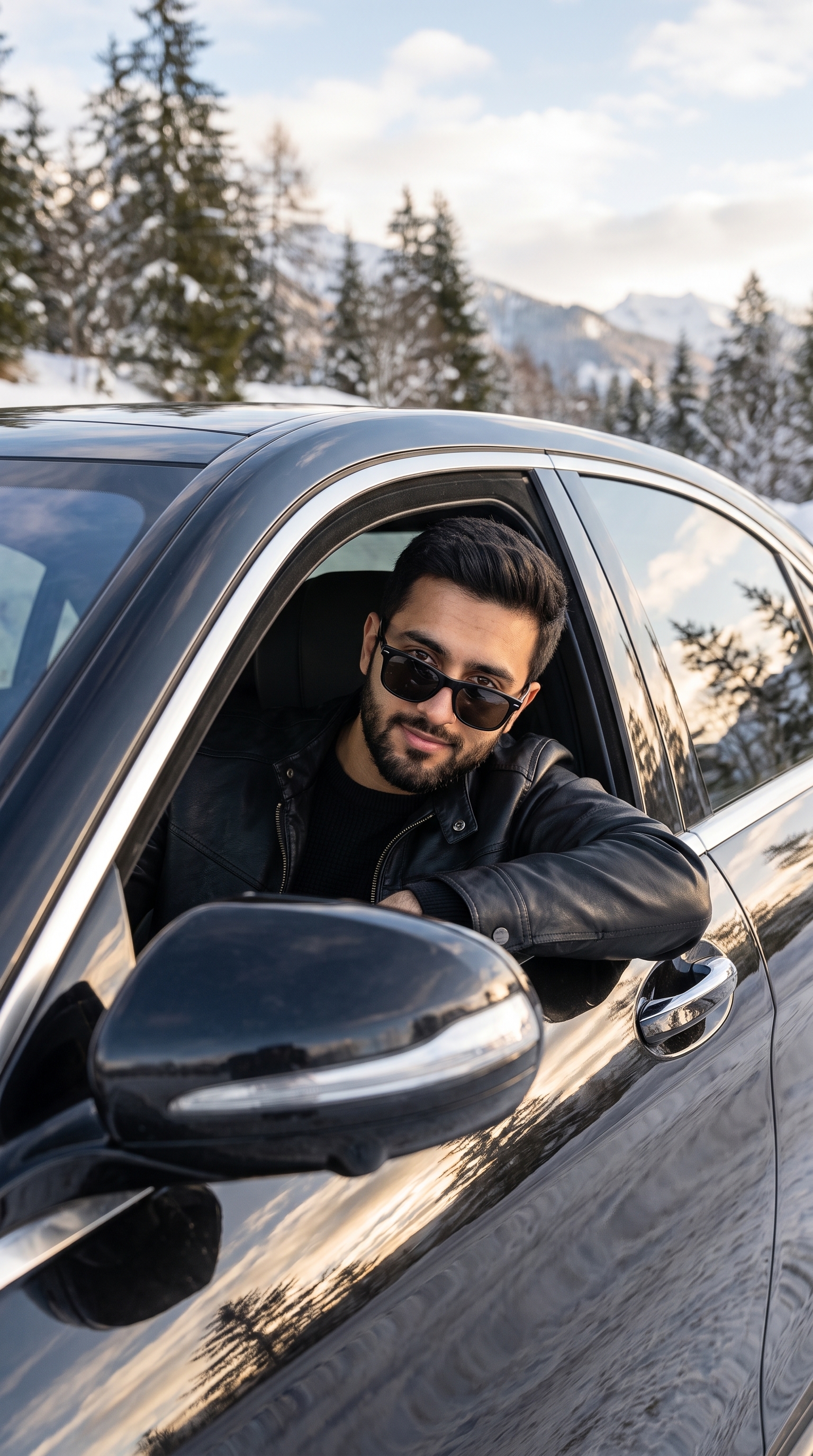
Winter Mountain Car Window Portrait
Leaning out of the window of a dark car in snow country, the whole winter scene read back in the paintwork and mirrors.
The 80's Look
Rebuilds the person into a real 1980s snapshot — period hair, clothing and room, on consumer 35mm stock. Its sharpest instruction is the one forbidding a vintage filter.
Couples
Two people in frame — set both reference images for best results.
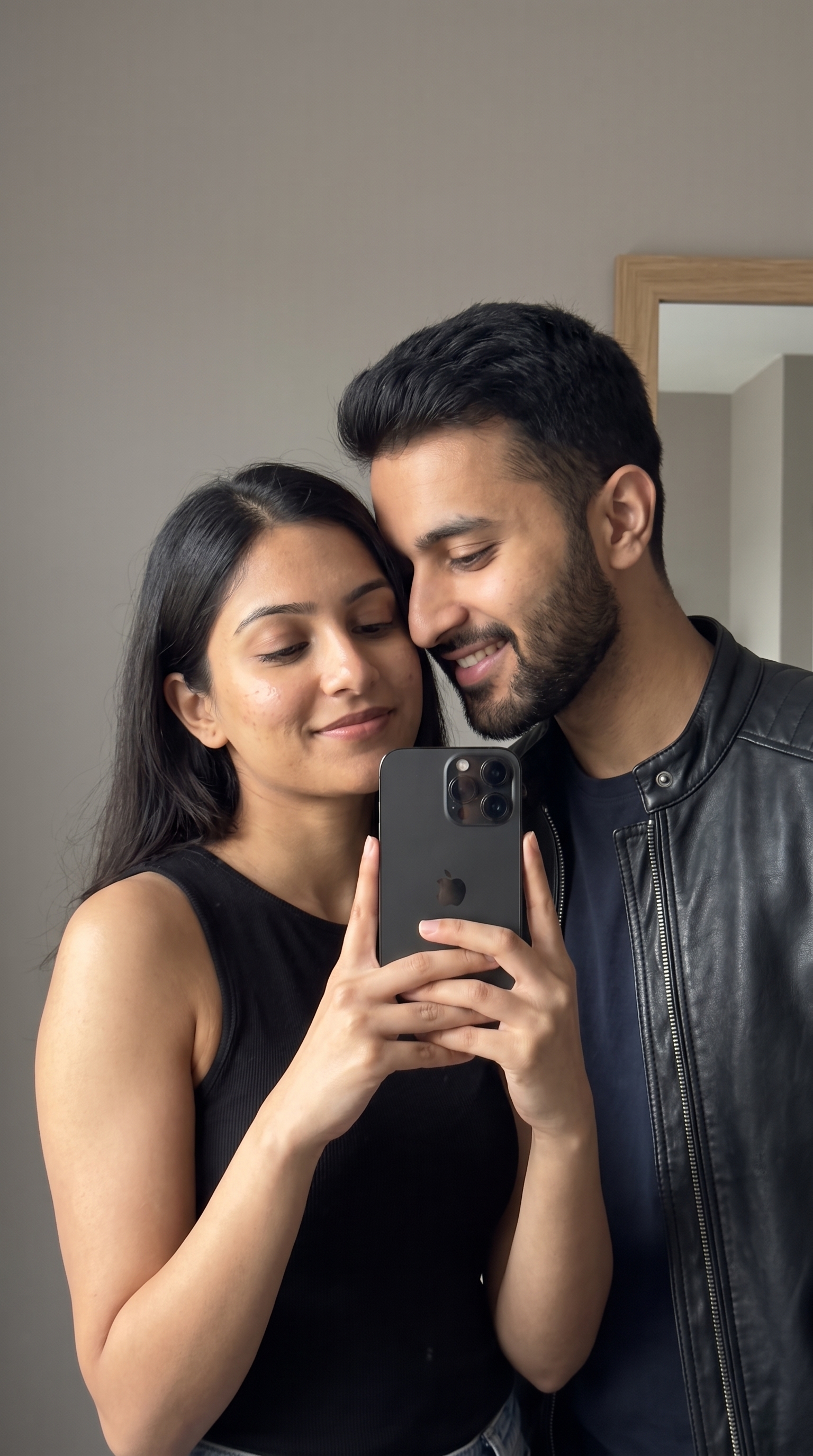
Couple Mirror Selfie Against Neutral Wall
Two people against a blank wall, shot to look like it came off a phone rather than out of a studio. All the detail is in the imperfection.
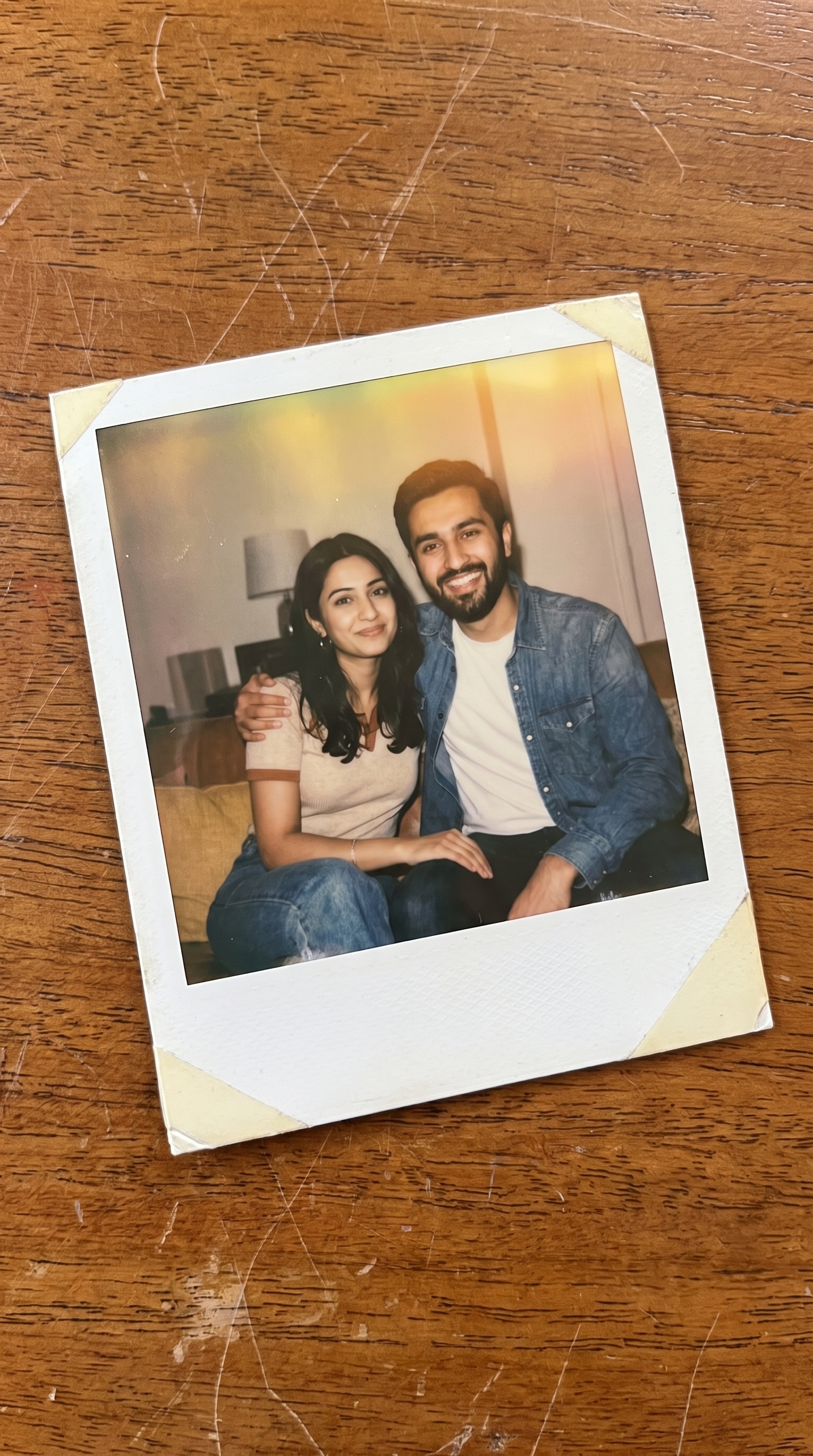
Polaroid Effect
A photo of a photo — an instant print lying on a surface of your choosing, light leaks and grain included. Swap {surface} for anything.
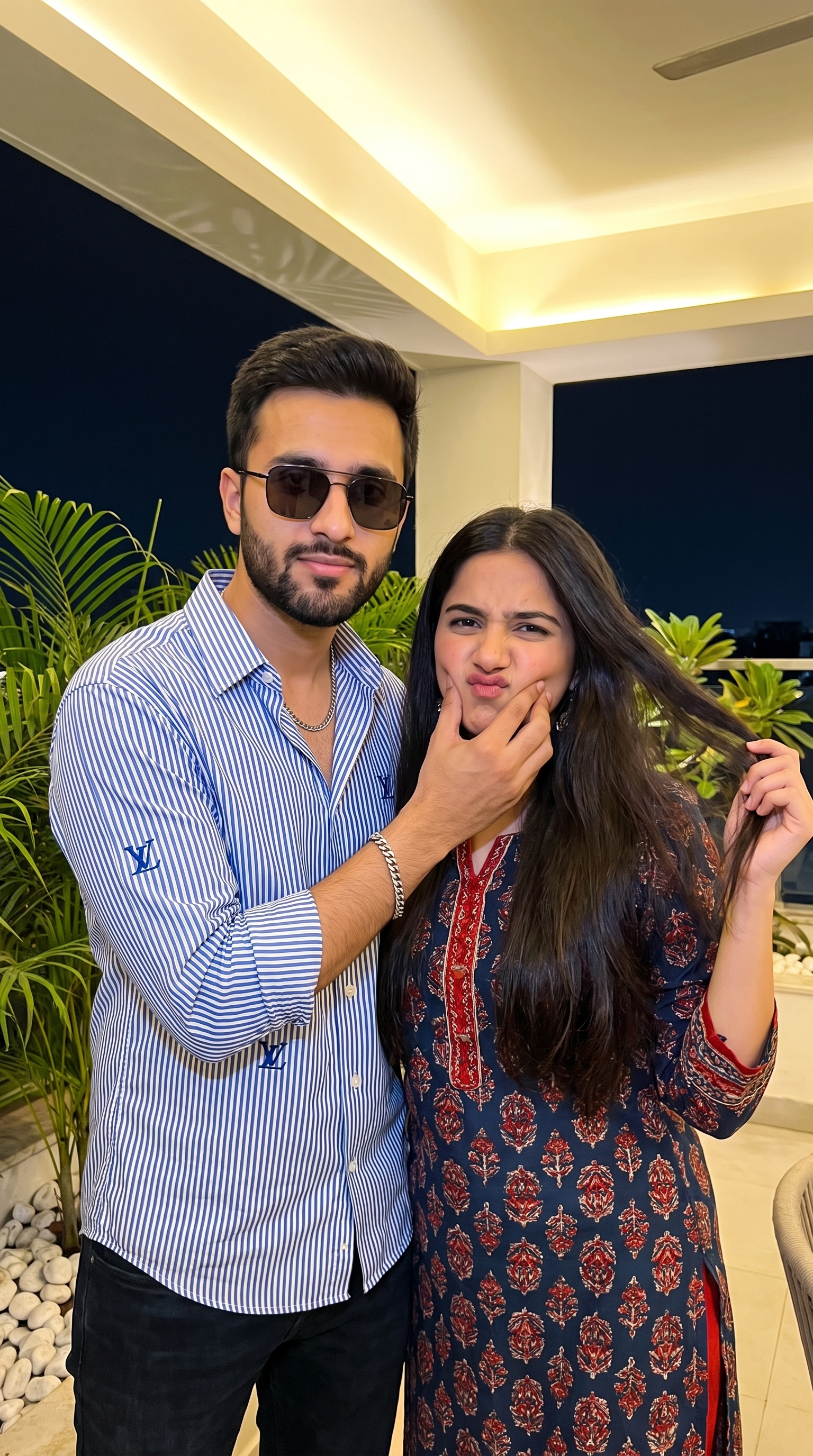
Cozy Couple
A cheek squeeze and a pulled face under warm overhead light, plants and white pebbles behind. Reads like a real phone snap.
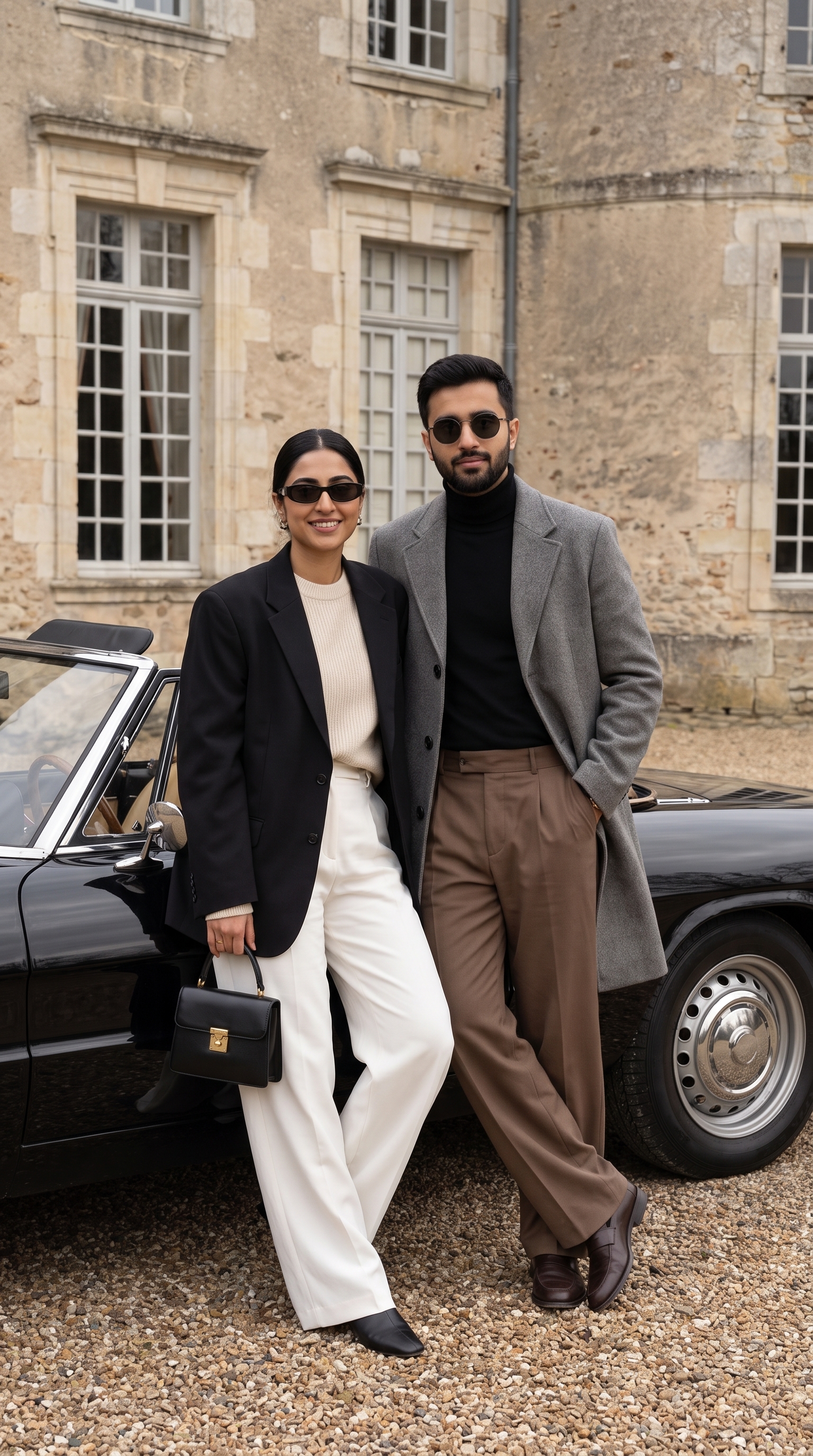
Old-Money Couple — Château Driveway
Black convertible parked outside a stone château, both in muted tailoring. Campaign posing, countryside quiet.
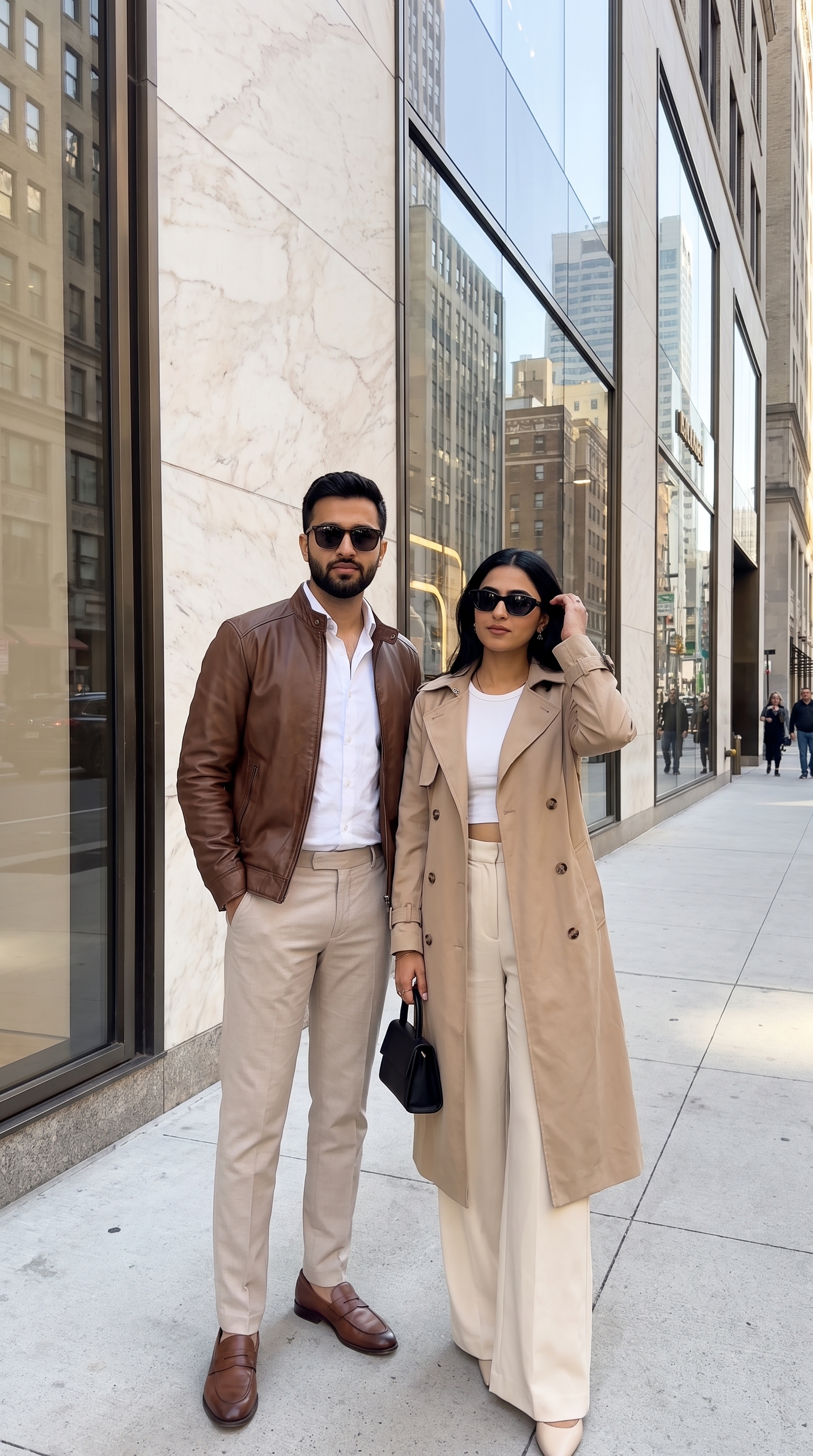
Old-Money Couple — City Street
The same wardrobe language moved to a marble-and-glass sidewalk. Fashion-week candid, caught mid hair-adjust.
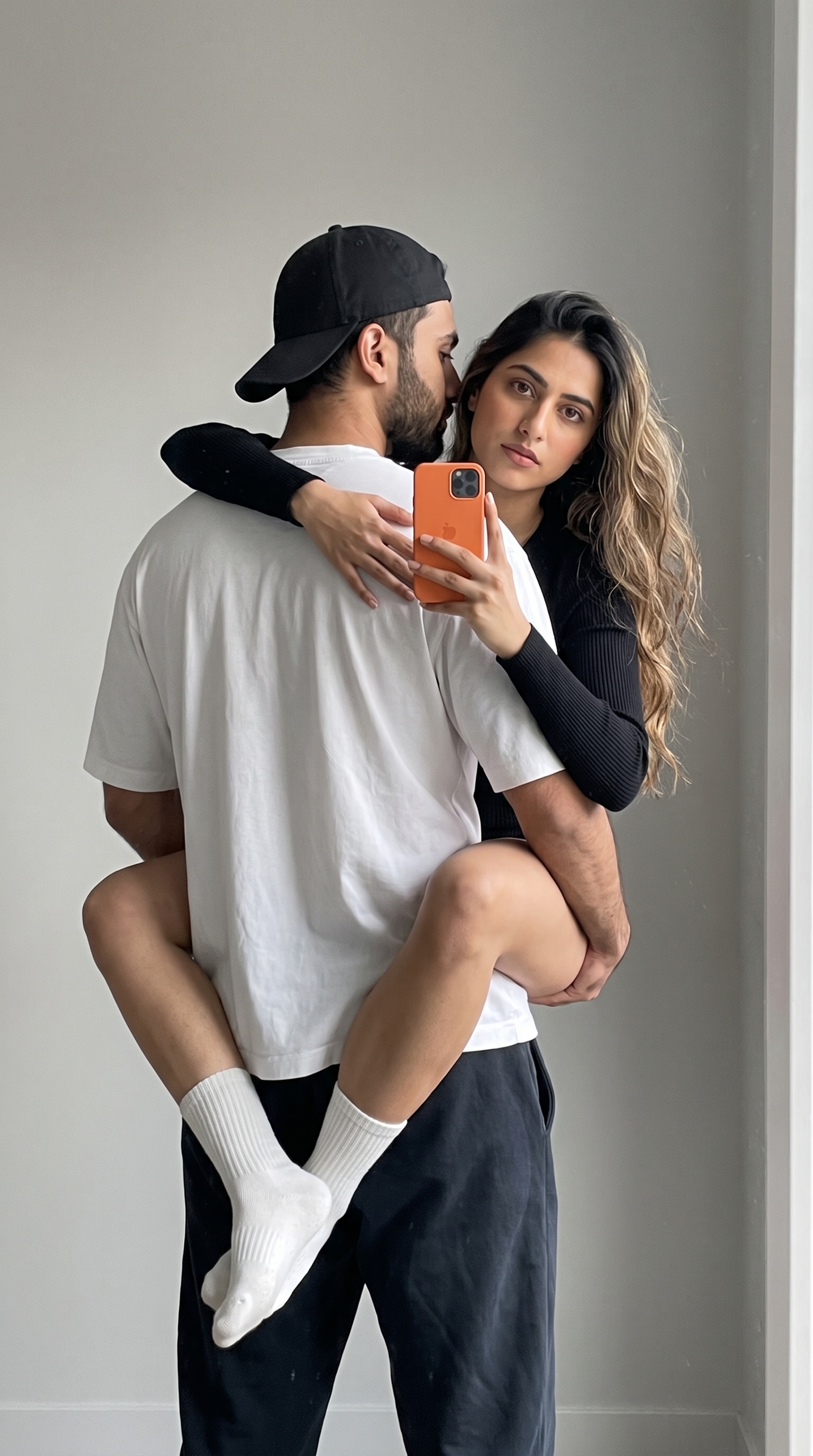
Candid Couple Mirror Shot
His face turned away, hers to the lens, cropped at the waist. Flat window light on a plain wall — deliberately unremarkable.
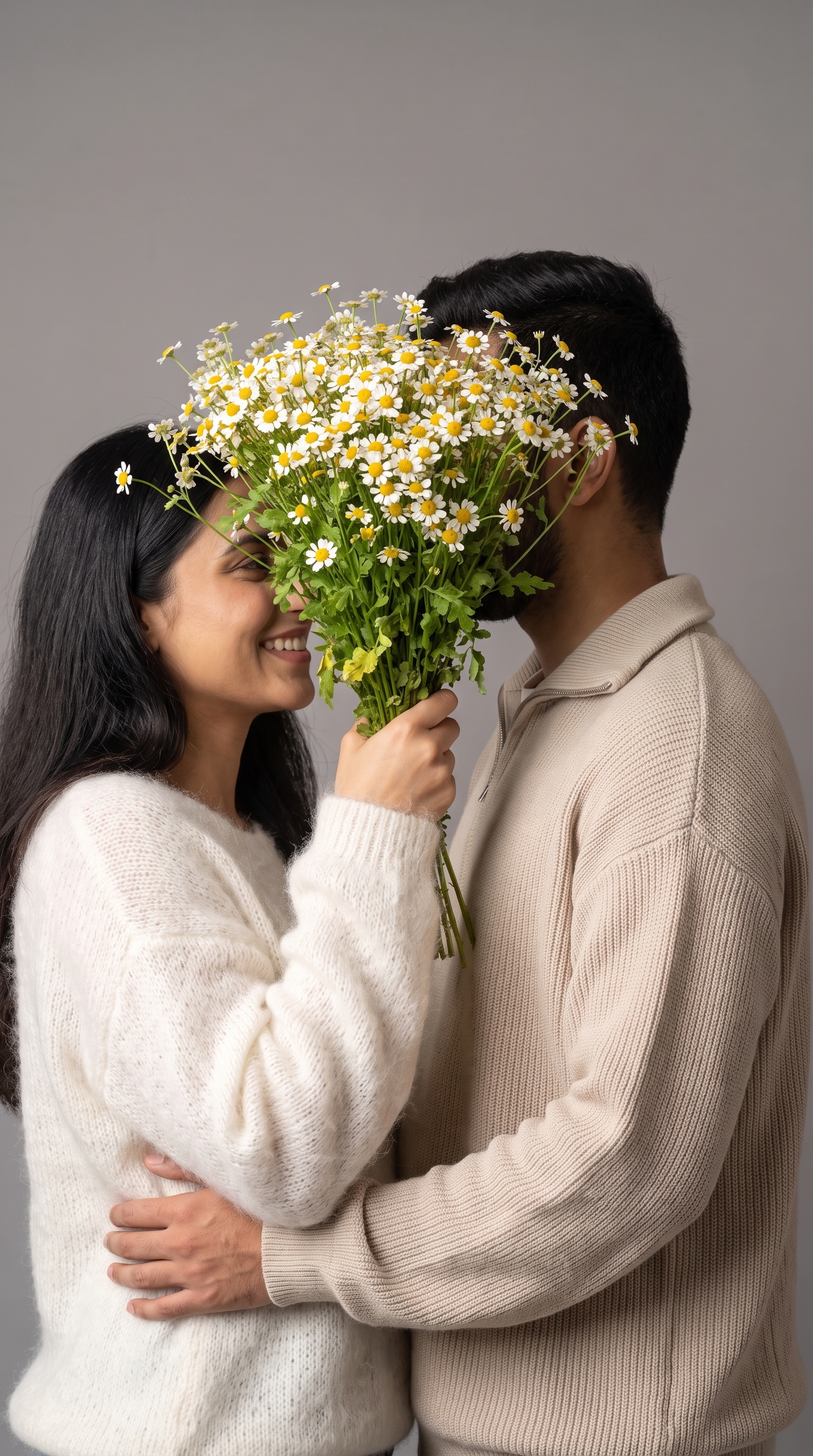
Daisy Bouquet Portrait
Two profiles mostly hidden behind an armful of daisies, heavy knitwear against flat grey. Soft, close, barely posed.
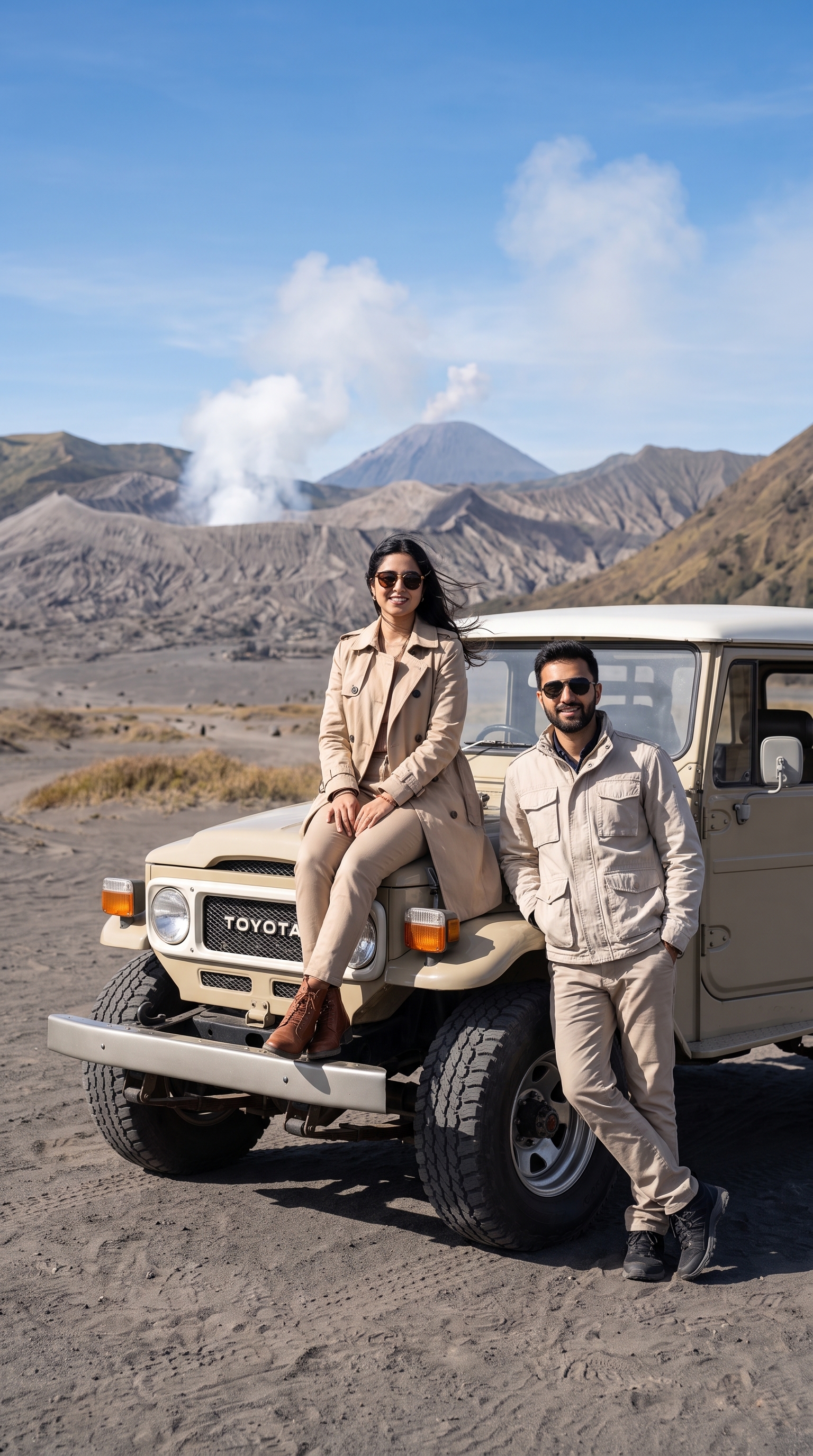
Desert Adventure Couple Portrait
Land Cruiser parked on the Bromo sand sea, her on the hood, him beside it. Hard highland daylight and a lot of sky.
Women
Single-subject portraits built around one reference face.
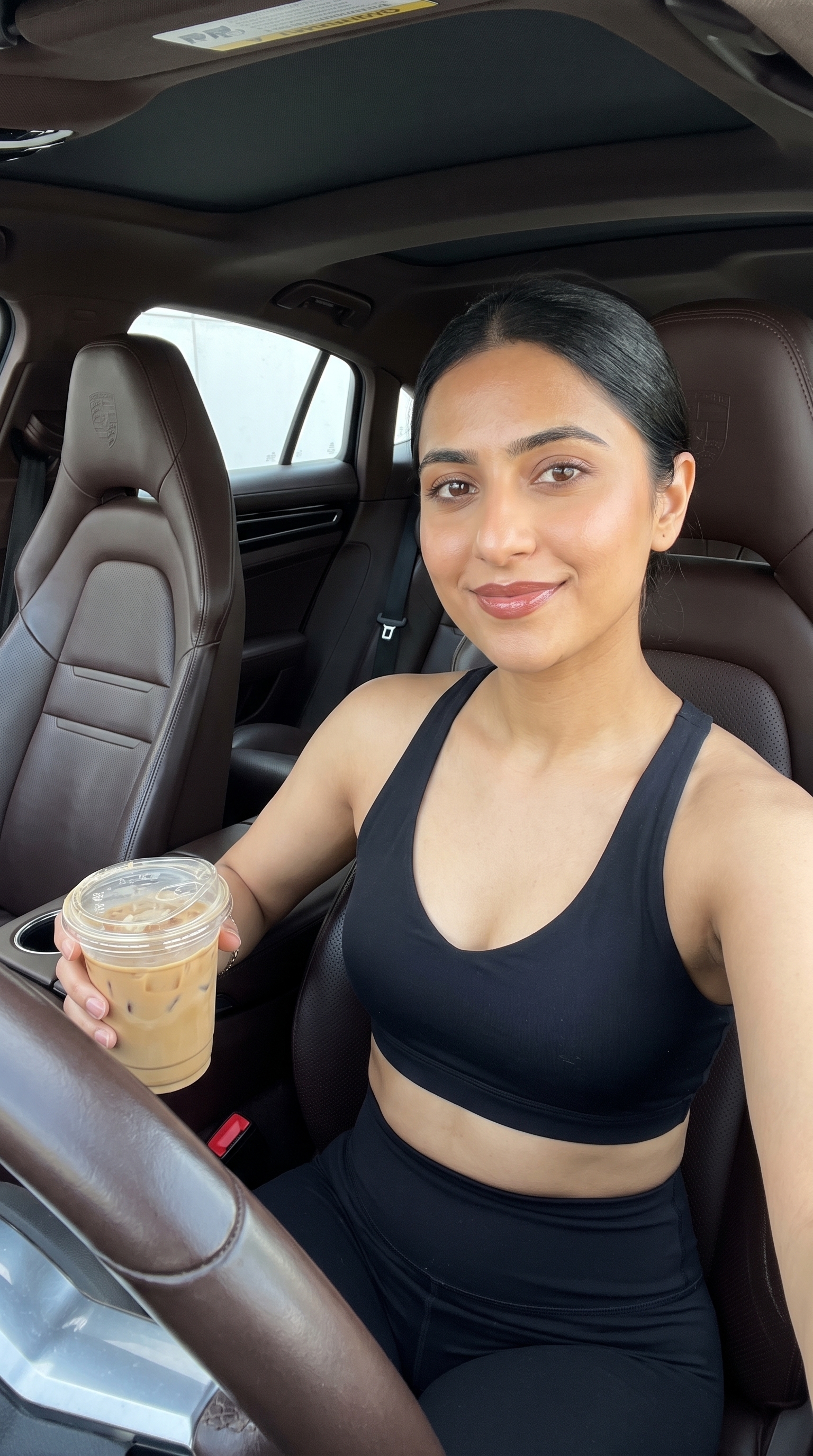
Influencer Car Selfie
Ultra-wide front-camera selfie from the driver's seat, iced latte in frame. Every instruction here is aimed at killing the "studio" look.
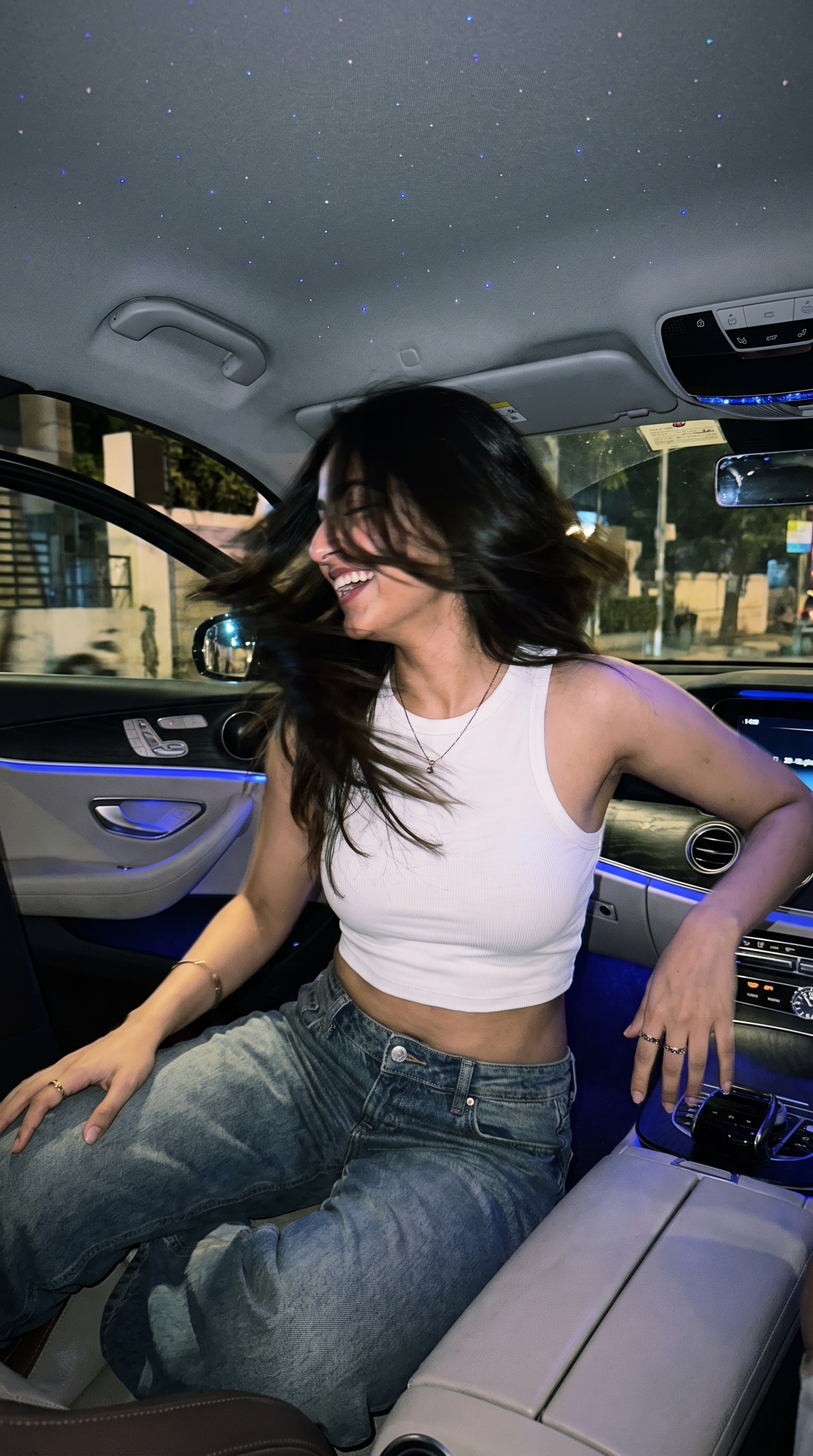
Candid Nighttime Car
Back-seat snapshot at night — starry headliner, dashboard glow, caught mid hair-flip with the motion blur left in. The imperfection is the point.
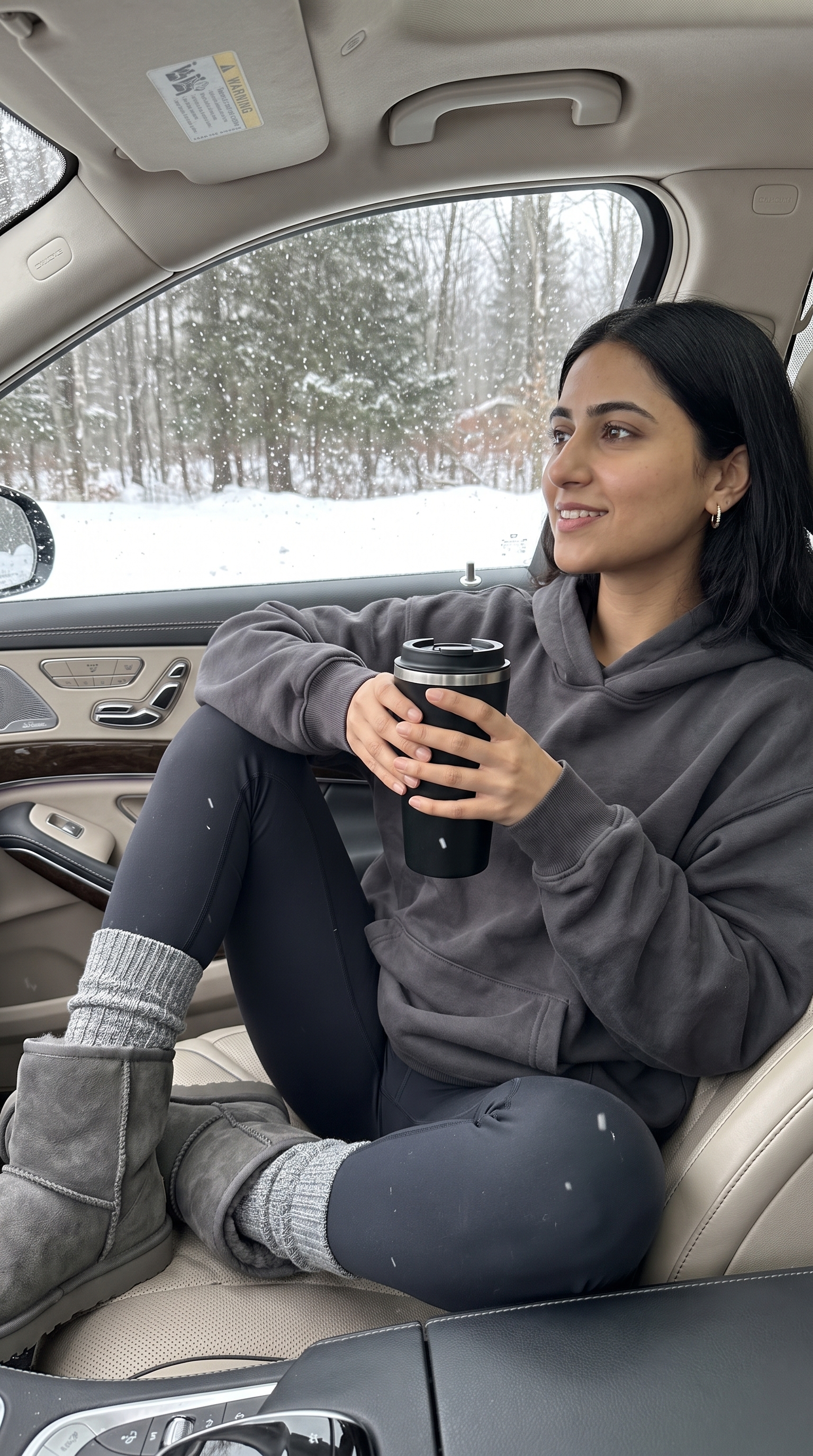
Winter Forest Backdrop
Passenger seat, coffee cup, snow falling on bare trees outside. A whole mood built out of greys and a shallow focal plane.
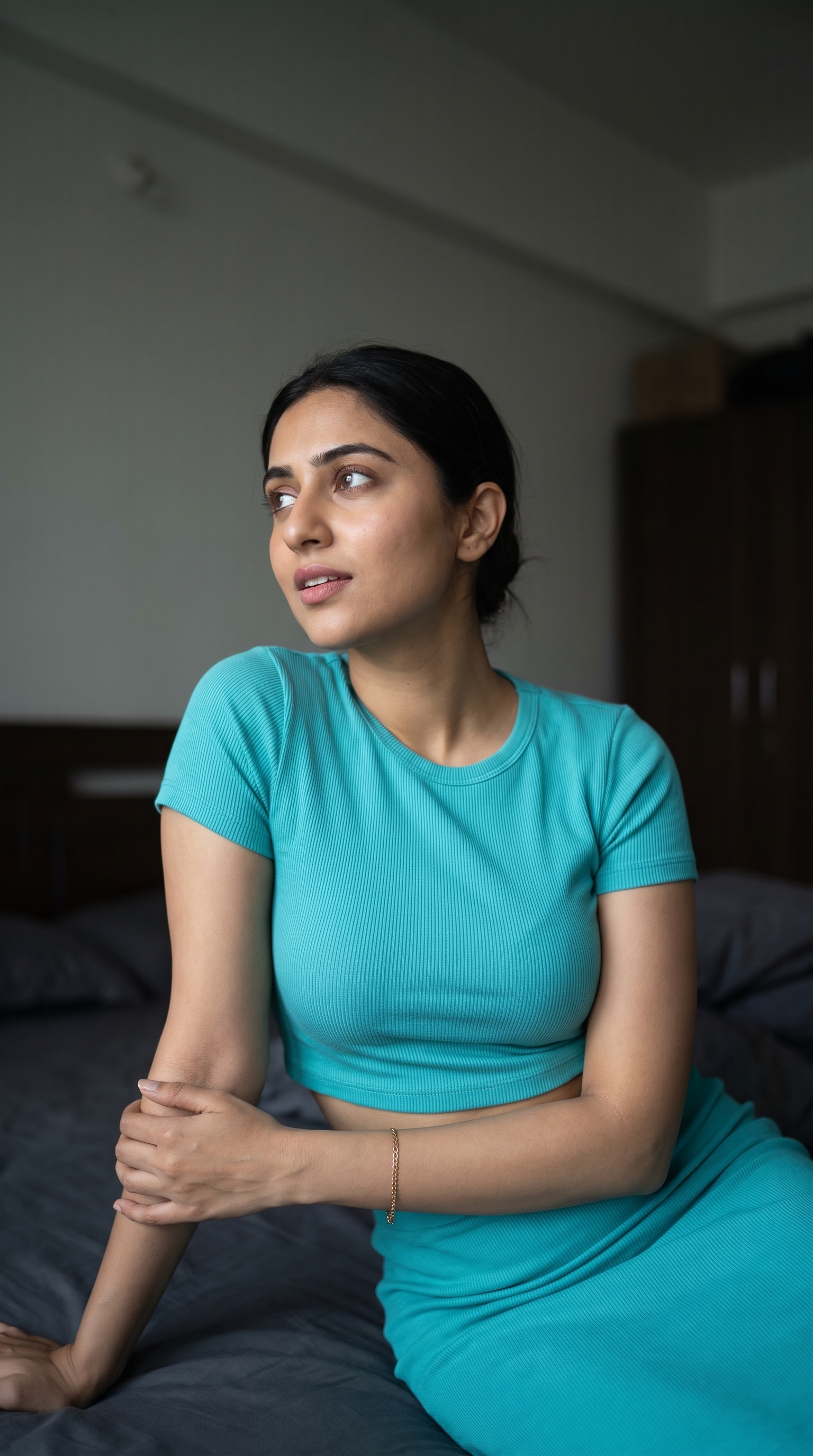
Woman in Turquoise Ribbed Set
Seated portrait in flat grey light, profile turned and gaze up. The one prompt here carried by colour rather than staging.
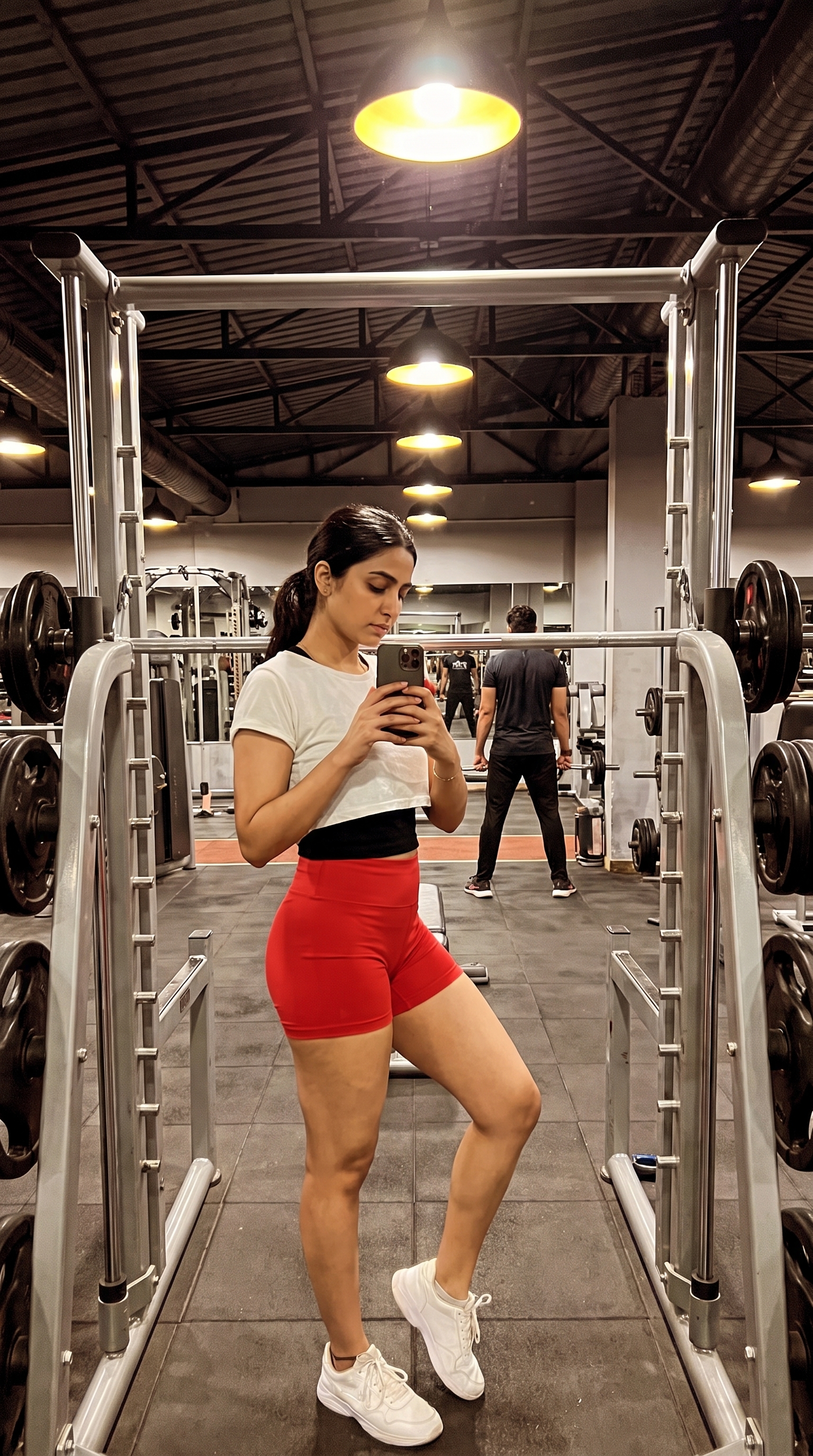
Mirror Selfie in Gym
Front-camera mirror shot with the rack, the beams and a stranger out of focus behind. Specifies the phone-camera flaws down to the glare.
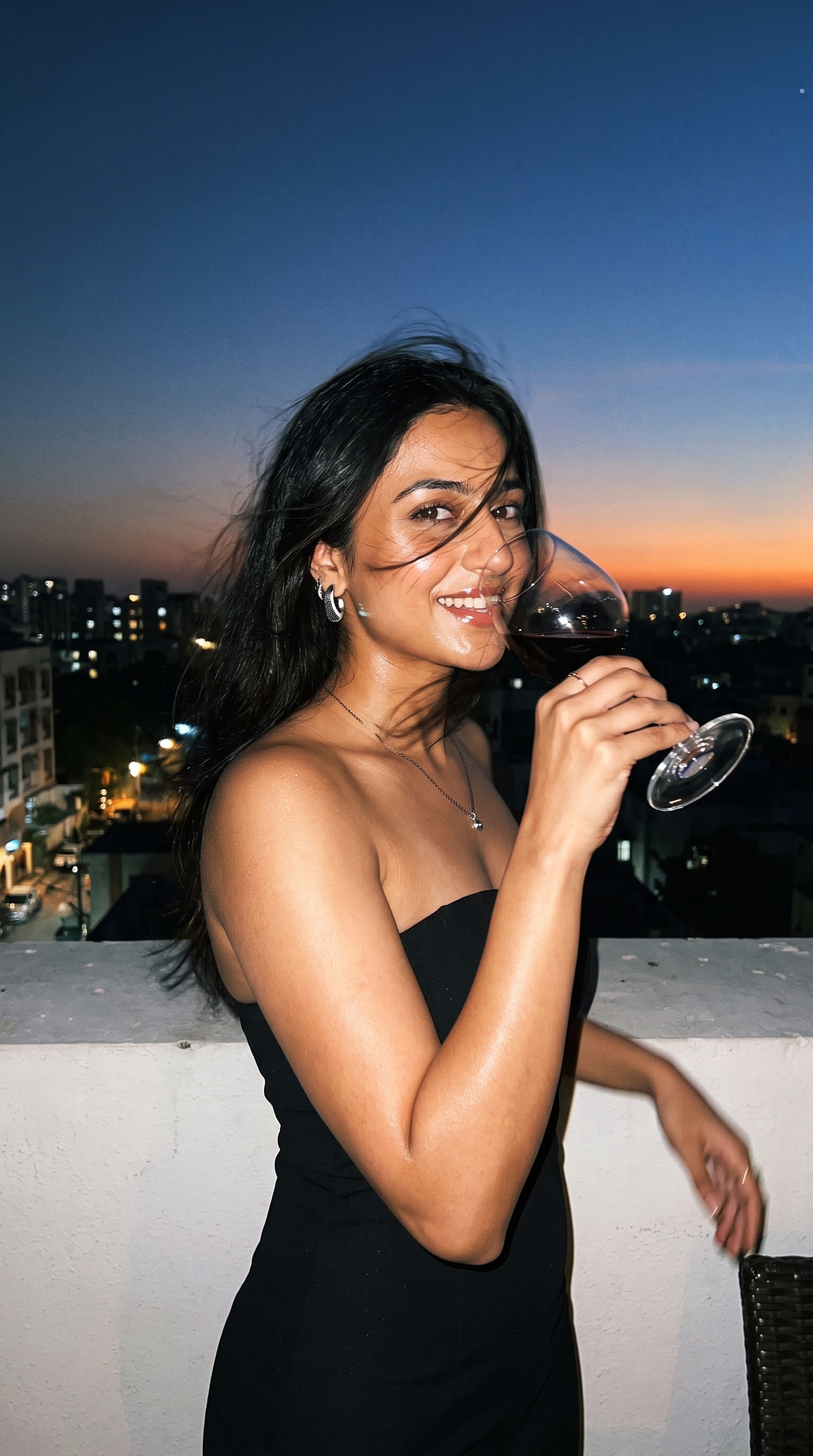
Woman on Rooftop Terrace at Sunset
Direct flash against a fading sky, wine glass mid-sip, framing deliberately off. Paparazzi accident, staged carefully.
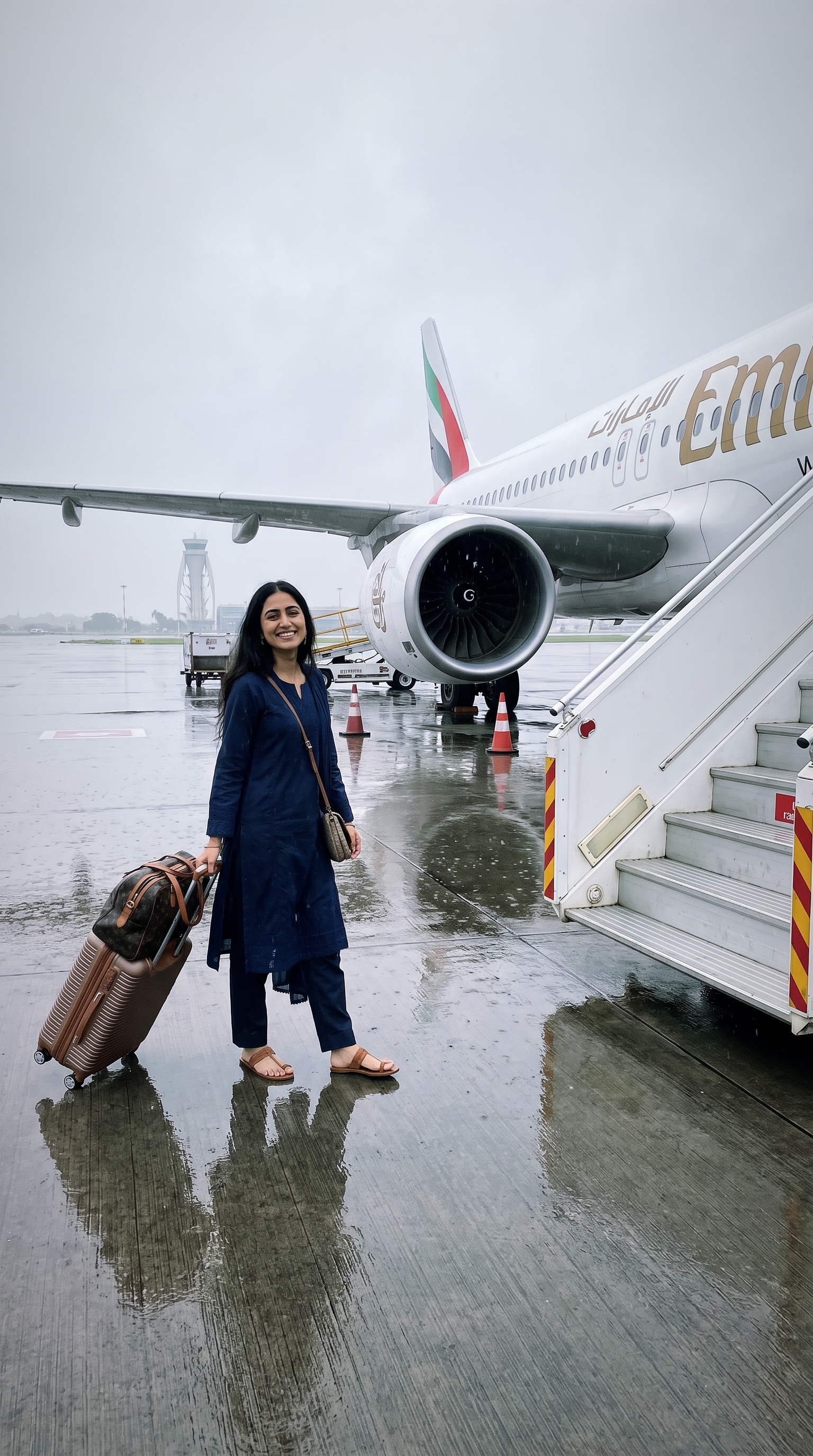
Emirates Boarding Walk
Wheeling a case toward the airstairs on wet tarmac under flat overcast light. Explicitly allows the pose to vary run to run.
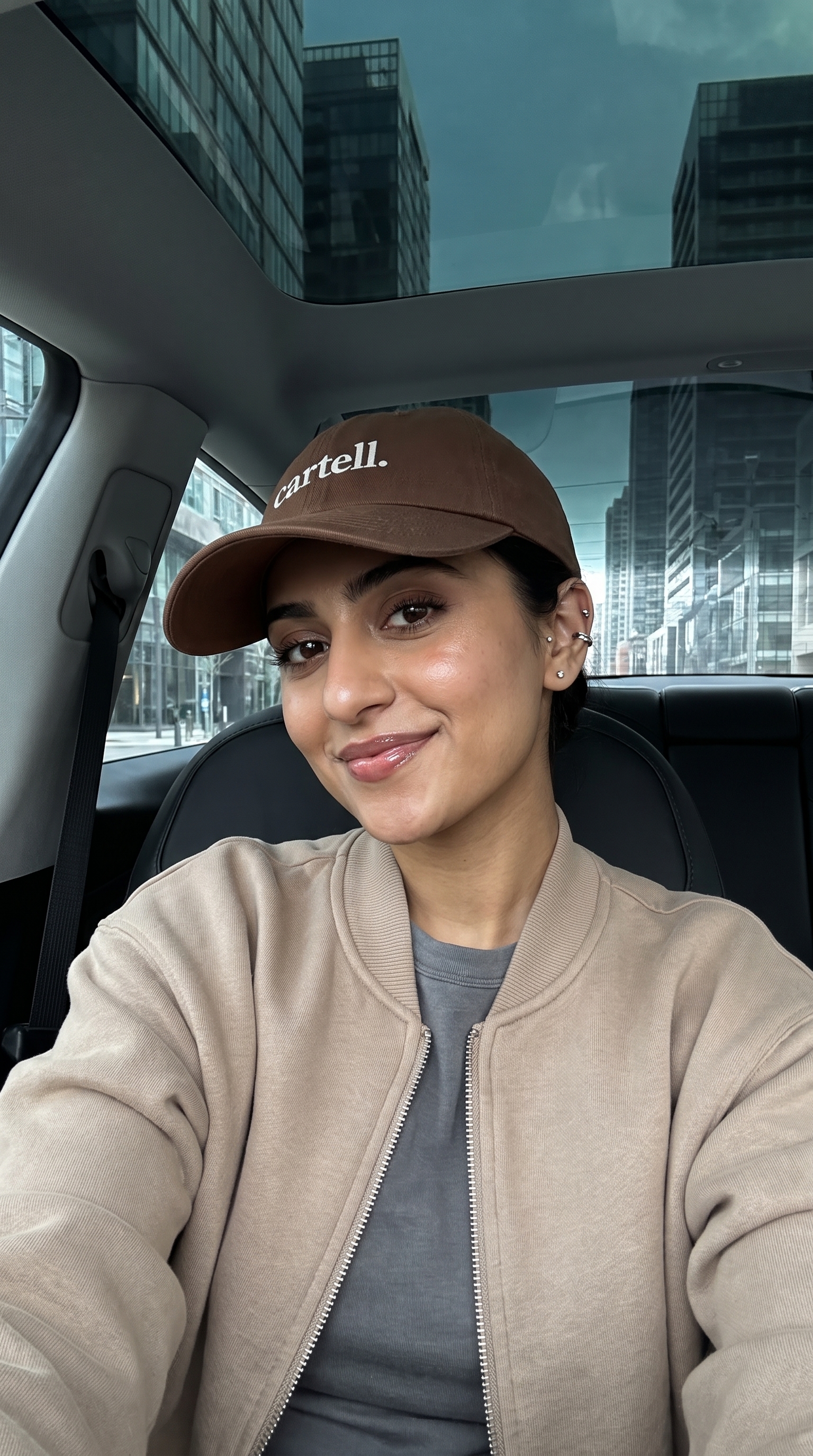
Selfie in the City
Front-seat selfie under a panoramic roof with city glass behind. Carries its own negative prompt to keep the studio look out.
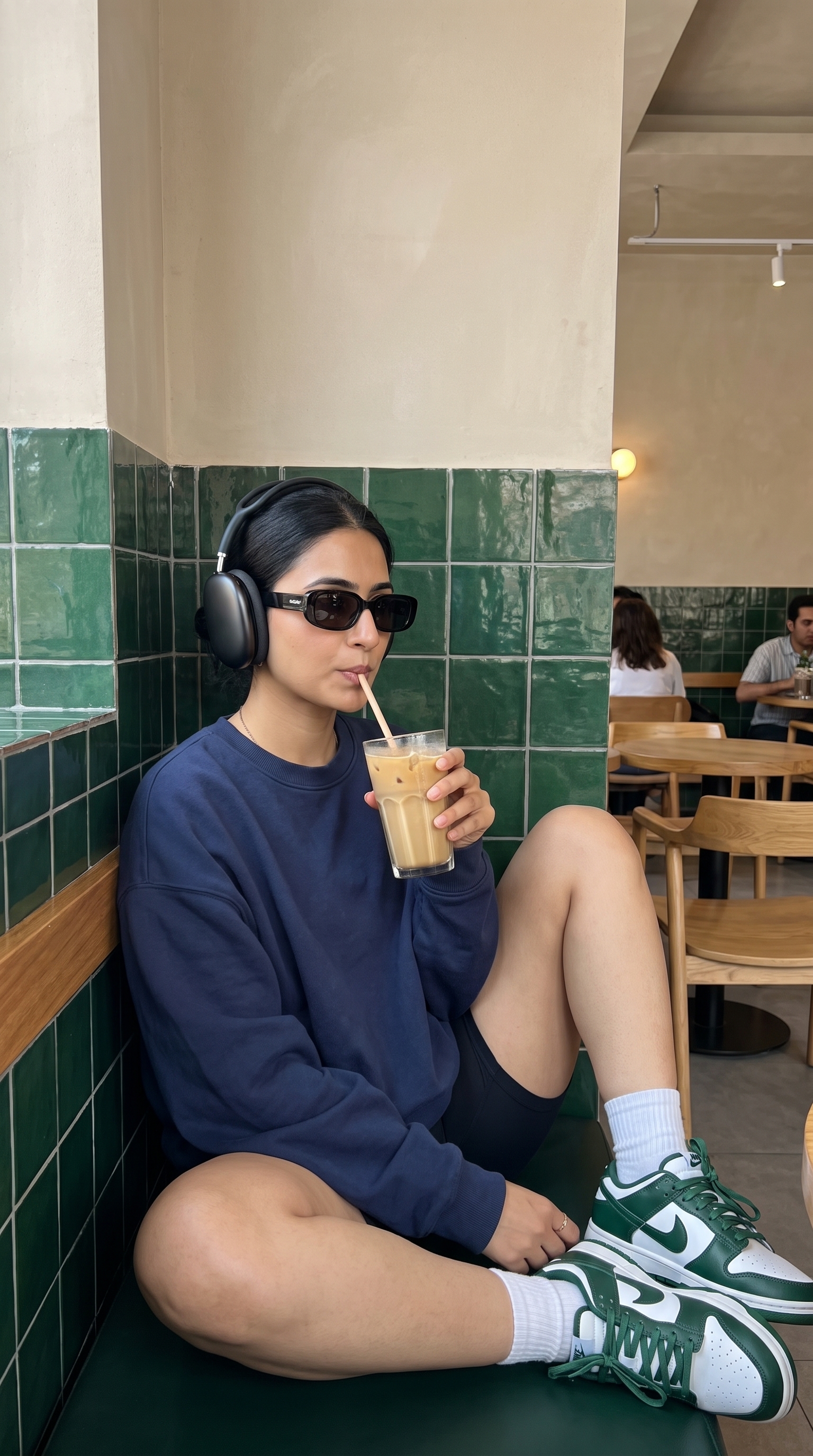
Green Tile Café Chill
Headphones, sunglasses, iced drink, green tiles. Straight-on and deliberately uneventful — the whole look is in the wall behind.
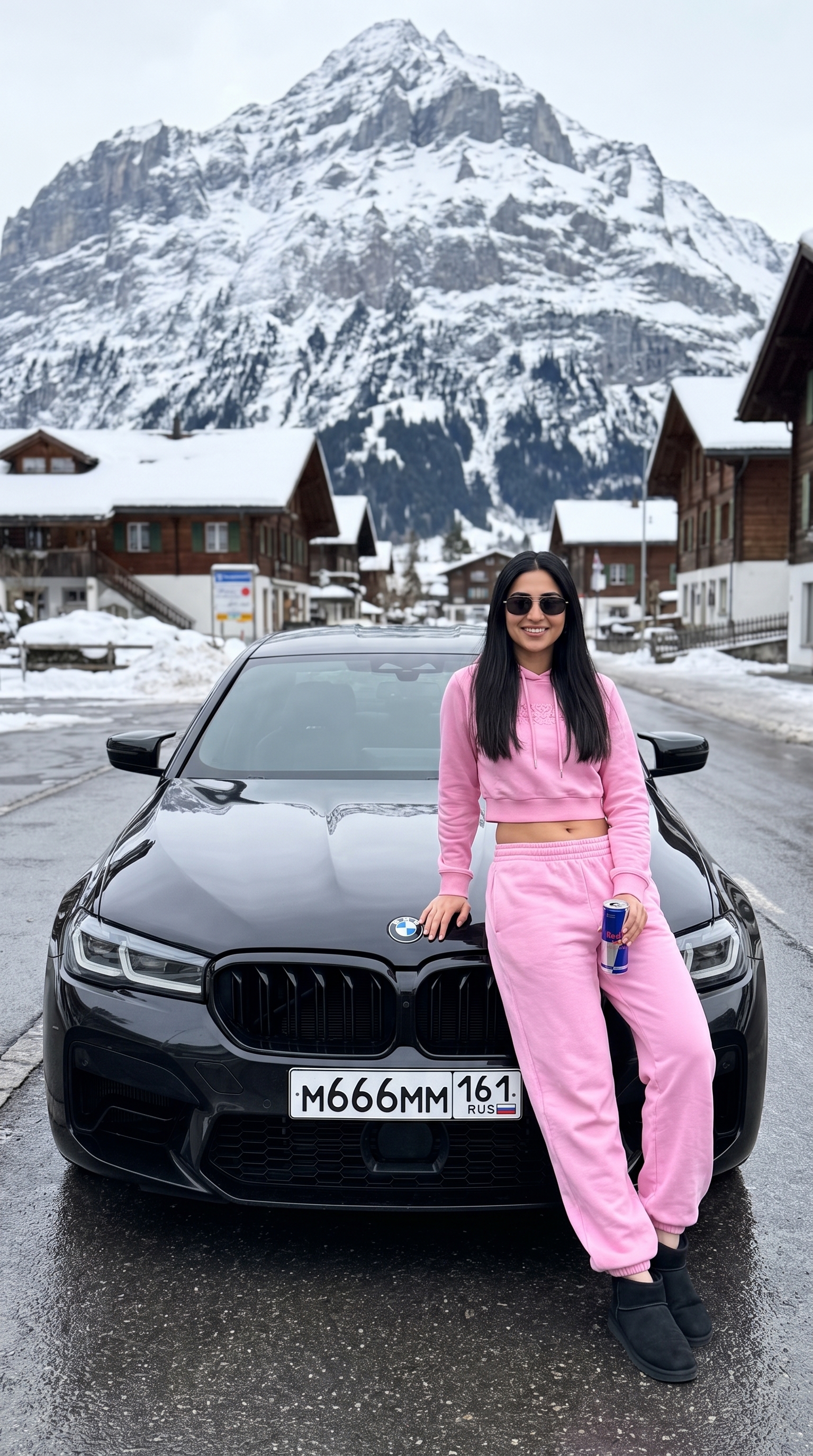
Alpine Luxe — Pink Versace × BMW M5
Leaning on a black M5 in an Alpine village, snow peaks behind, Red Bull in hand. Repeats "do not change the face" four times — that is the whole brief.
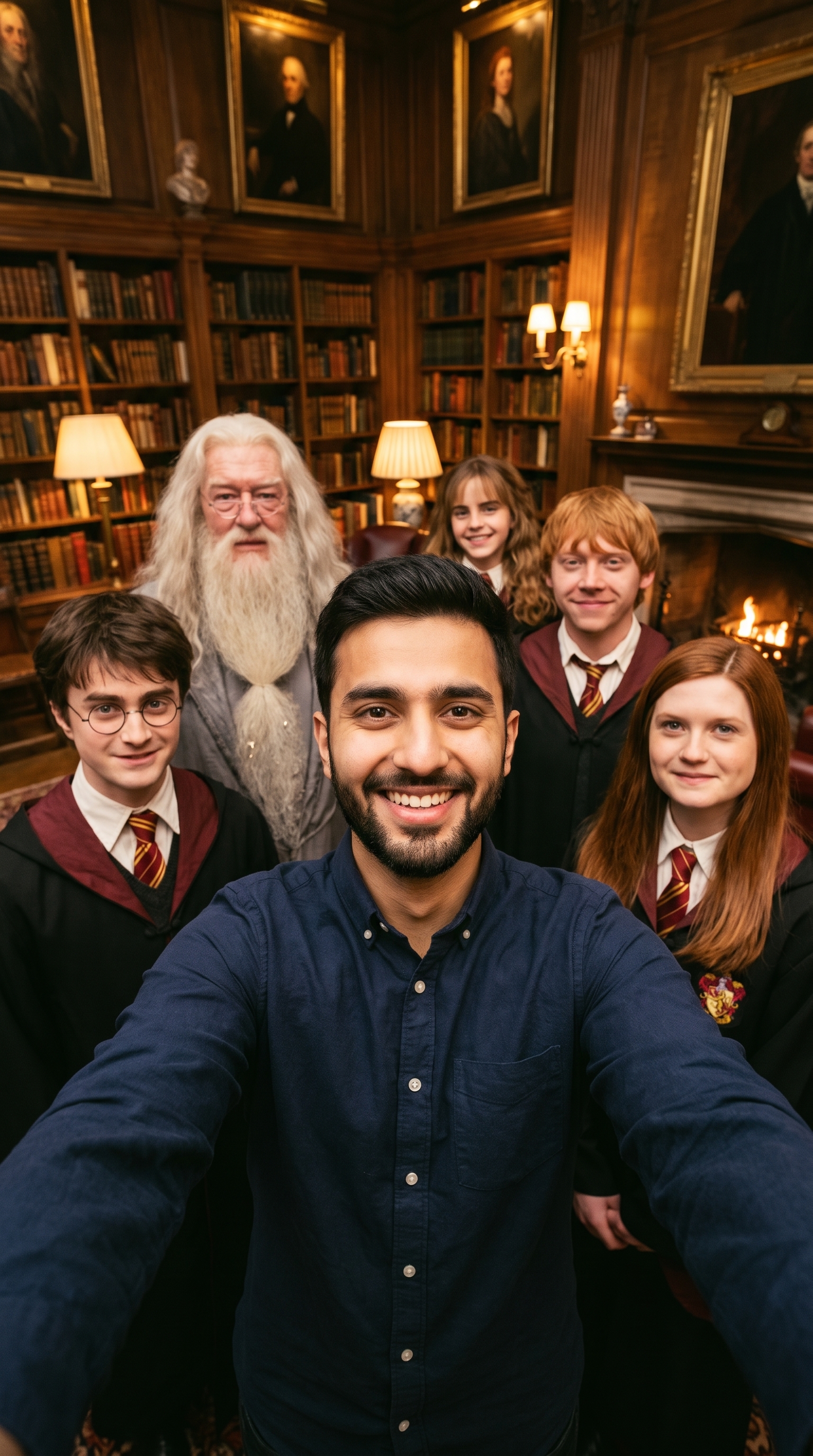
Hogwarts Library Selfie
Wide-angle group selfie with five Hogwarts characters in a lamplit library. Written in bracket-tag syntax rather than prose.
Night City Audi Portrait
Harsh frontal flash against a black sedan at night, taillights warming one edge. Even the boot badges are specified.
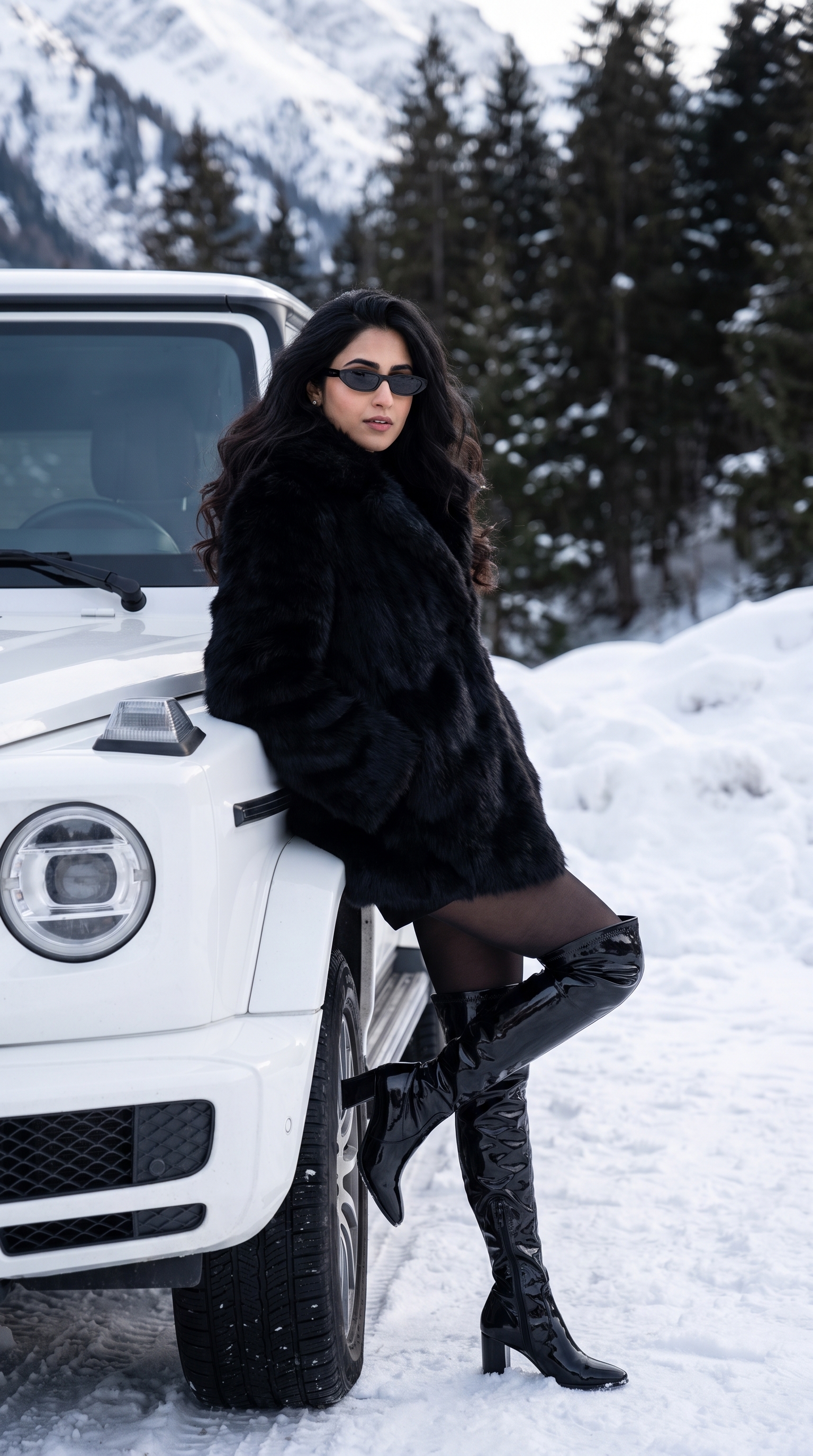
Winter Mountain G-Wagon Portrait
Fur coat and over-the-knee boots against a white G-Wagon in snow. White-on-white with dark trees doing the contrast.
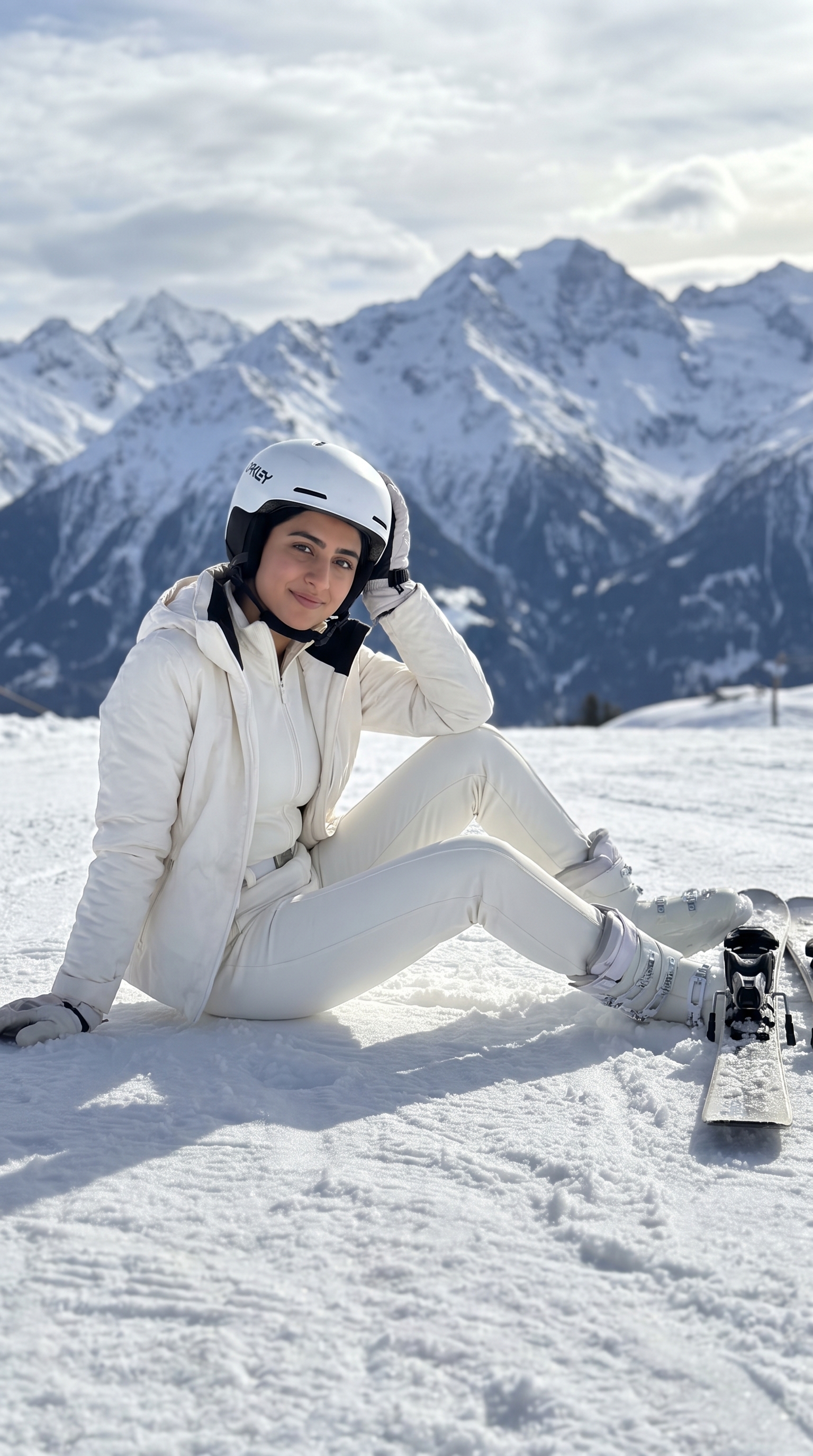
Alpine Ski Chic Portrait
Sitting in sunlit snow in a white ski suit, skis planted, peaks stacked behind. All-white on white, held together by shadow.
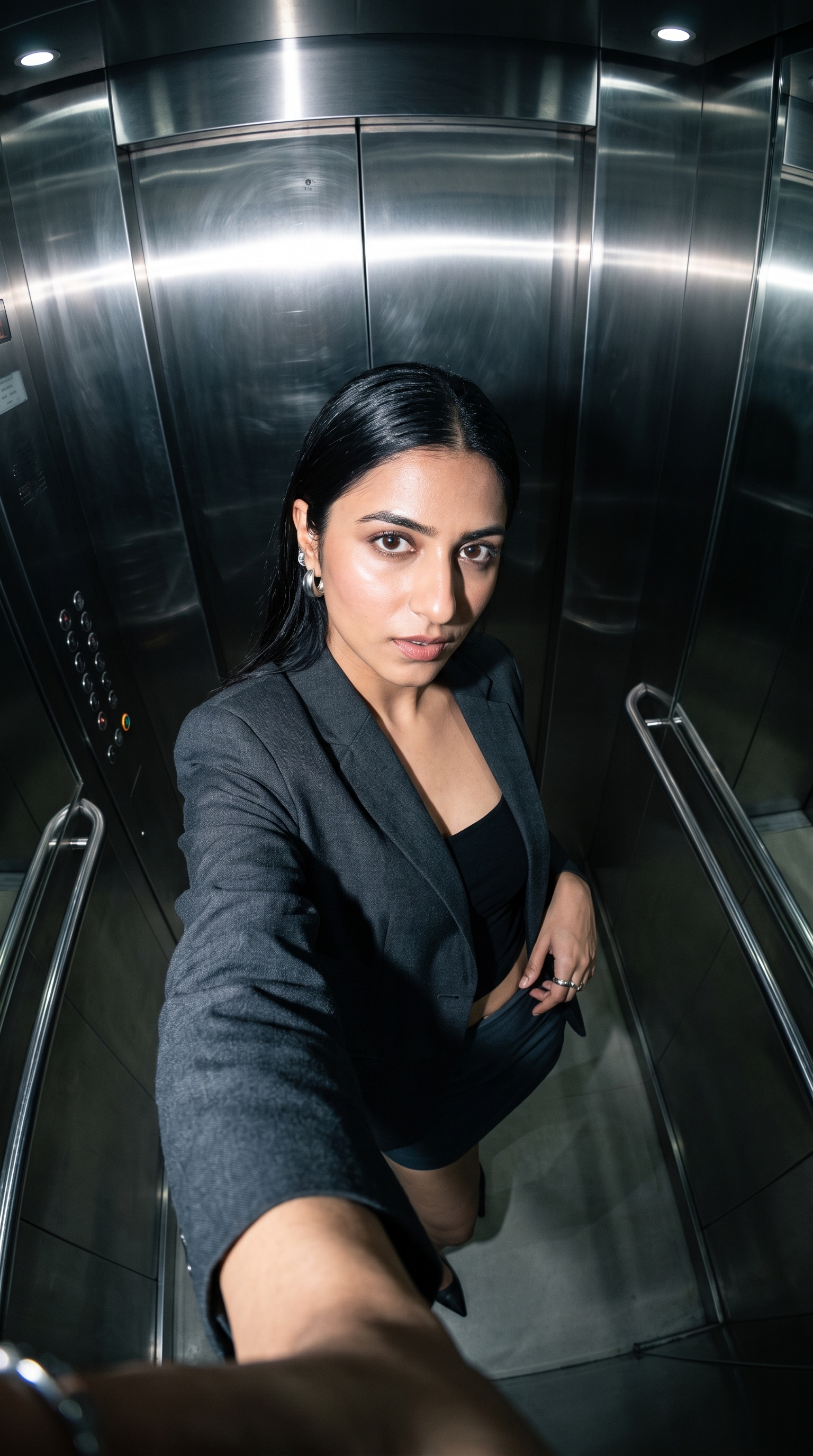
Elevator Selfie Editorial Shot
High-angle ultra-wide selfie in a steel lift, direct flash bouncing off the walls. Office-siren, shot like a nightlife frame.
Hinduism
Devotional portraits — temples, deities and traditional dress.
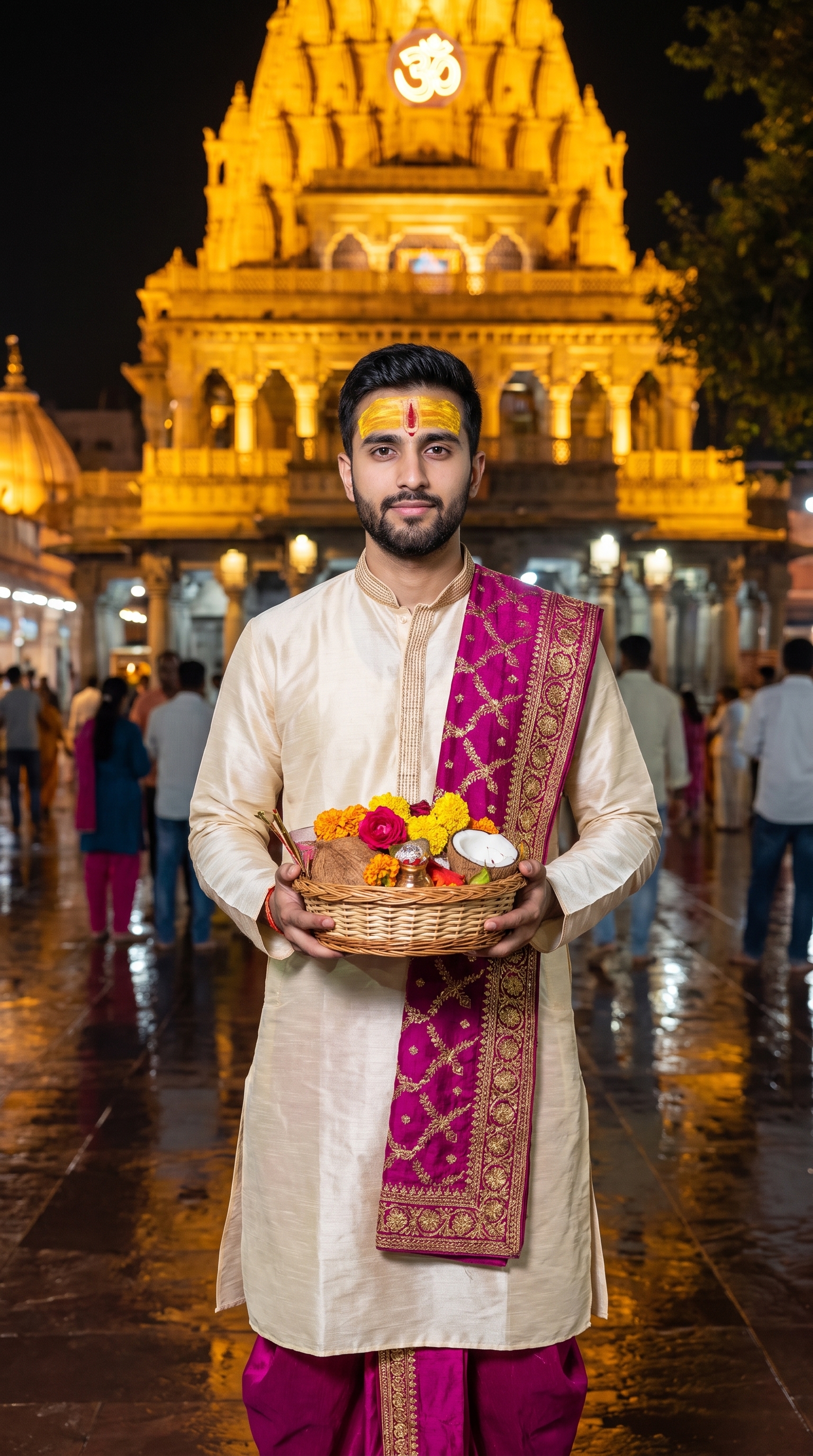
Om Temple Night Portrait
Standing before a lit temple at night with a basket of marigolds, wet ground throwing the lights back. The most complete brief in this block.
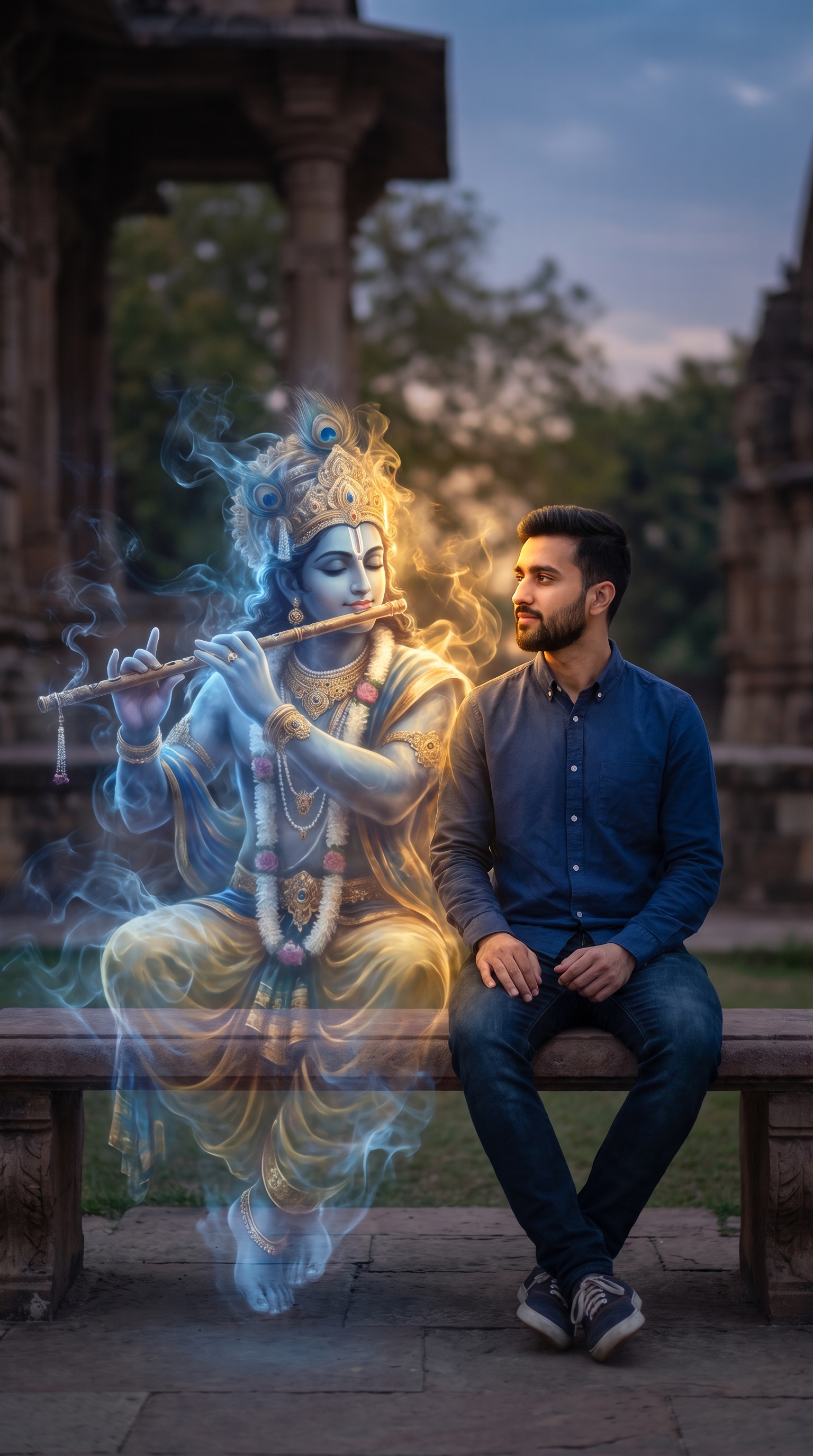
Ethereal Krishna Portrait
A Krishna figure formed entirely of smoke, seated alongside the subject. Short, loose, and carrying a few typos from its source — see the page for what they were.
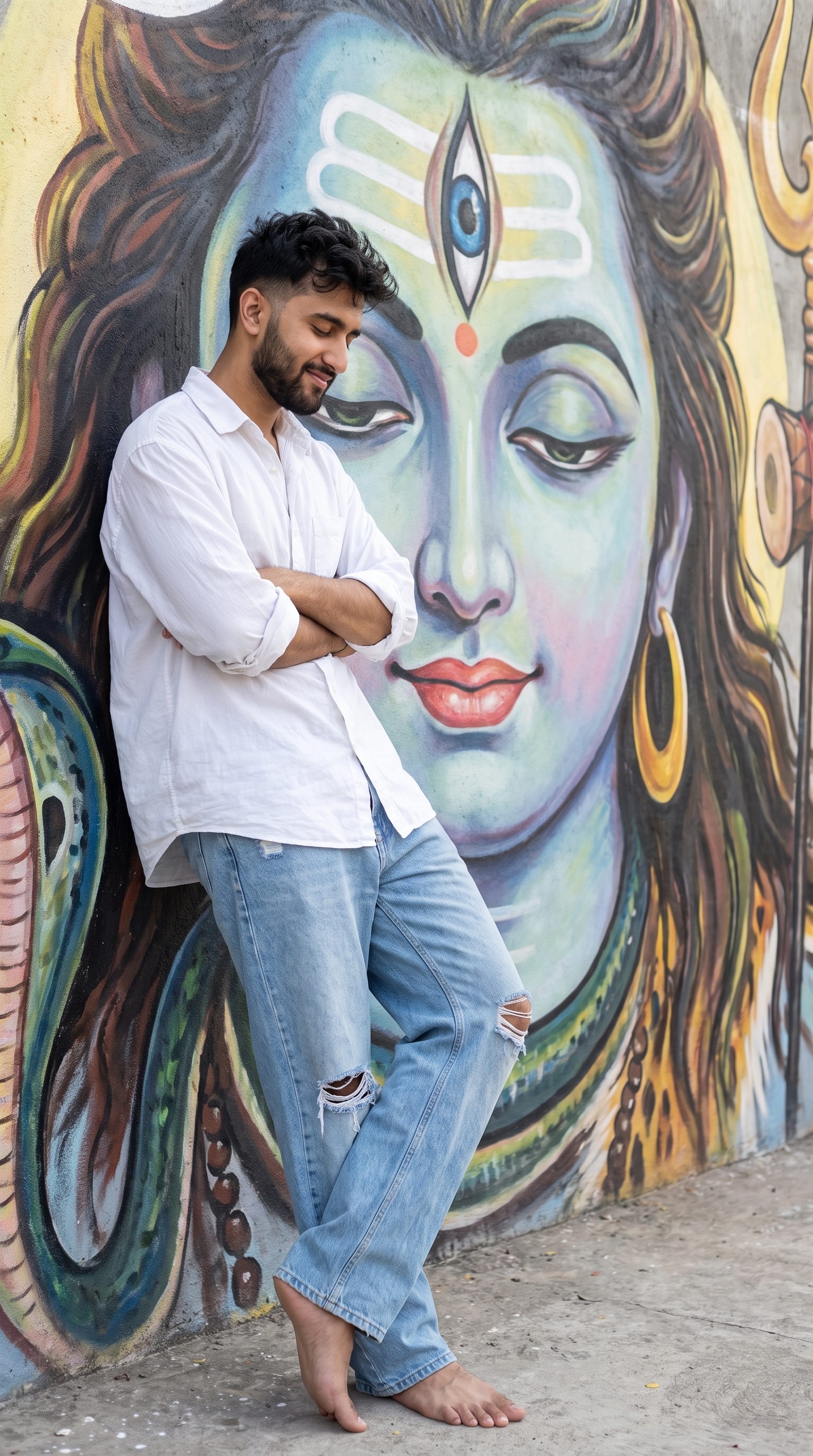
Shiva Mural Wall Lean
Leaning on a wall under a huge Shiva mural, eyes shut, arms crossed. The source text stops mid-sentence — the wardrobe description is unfinished.
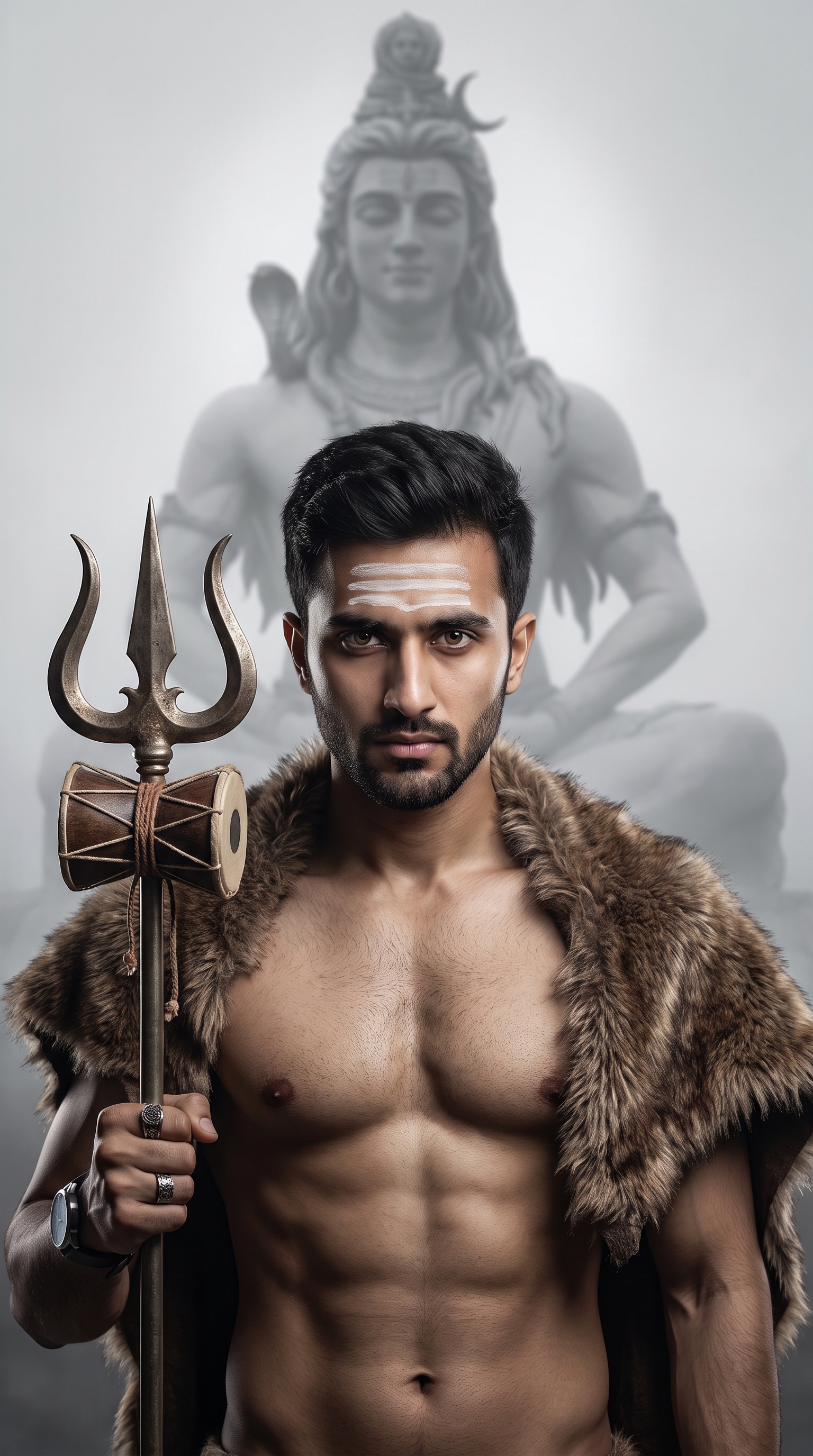
Aghori Devotee Portrait
Ascetic styling with trishul and damru against a misty Shiva statue, with modern rings and a wristwatch deliberately left in.
About PromptGalaxy
PromptGalaxy is a small, hand-checked collection of prompts for AI video and image generators. Every entry is reproduced in full, exactly as it was written, with a copy button that hands over the literal text — no summaries, no paraphrasing, no "prompt formula" you have to assemble yourself. If a prompt runs to four hundred words of camera settings and negative constraints, you get all four hundred words.
The reason for that stubbornness is simple: in generative video and image work, the difference between a result that looks like a stock render and one that looks like footage is usually buried in the unglamorous parts of the prompt. The clause that forbids lens flare. The instruction to keep the shot on a locked tripod. The line insisting the background stay confined to the object itself. Those details are what people strip out when they rewrite a prompt to be tidier, and they are exactly what makes it work.
How to use a prompt
- Watch the preview at the top of the prompt page. That is a real result from that exact text, so you know what you are aiming at before you spend a generation credit.
- Press Copy prompt. The whole thing lands on your clipboard character for character.
- Paste it into your generator of choice and swap the highlighted placeholders for your own subject.
- Generate. If the result drifts, change one clause at a time rather than rewriting wholesale — these prompts are load-bearing.
Two libraries, kept apart
The library is split into video prompts and image prompts, and the split is enforced rather than decorative. Video prompts appear only in the video section and are only ever illustrated by a clip; image prompts appear only in the image section and only by a still. Inside the image library, prompts that need two people are grouped separately as Couples, because they have a practical requirement the others do not.
Video prompts here lean toward the formats that hold attention all the way to the end: destruction and restoration loops, miniature construction crews, macro ASMR builds, deliberately unglamorous documentary footage. Image prompts lean editorial — portraits, lookbook framing, film-stock grain, and the specific unpolished aesthetics that read as real photographs rather than renders.
Placeholders and reference images
Highlighted tokens inside a prompt are the parts meant to change. A token like the object slot in a shredder prompt is yours to fill with whatever you want destroyed. Anything not highlighted is structural and should be left alone.
Most image prompts are likeness prompts: they only work when the generator is given a face to work from, so each one ends with an explicit line telling you where your own photo goes. Couple prompts ask for two, one per person, and they genuinely need both — supplying a single reference is the most common reason a couple prompt returns one recognisable face and one invented one.
What the previews do and do not promise
Each preview is one run of one prompt on one model. Generative systems are stochastic, models change under you without notice, and the same text will not return the same frame twice. Treat a preview as evidence that a prompt is capable of a particular look, not as a guarantee of output. Prompts that specify an aspect ratio in their text are especially worth checking — several here ask for 2:3 or 3:4 and come back 9:16 regardless, because the generator's own output setting wins.
The site itself is deliberately plain and fast. There are no accounts, no paywall, no newsletter interstitial and no advertising. One analytics tag records which pages get read, described in full on the privacy page. Every page is prerendered to static HTML, so the full text of every prompt is readable with JavaScript switched off and indexable by any crawler that reaches it. Nothing you type or paste is sent anywhere — the copy button writes to your clipboard and that is the end of it.
Frequently asked questions
Is PromptGalaxy free to use?
Yes. Every prompt is readable and copyable in full with no account, no payment and no sign-up. There is no paid tier holding anything back.
Which AI models do these prompts work with?
They are written in plain descriptive language rather than any one tool's syntax, so they work across the major video and image generators. Video prompts assume a text-to-video model that accepts long descriptive input; image prompts assume a model that accepts a reference photo alongside the text. Results differ between models, and the same model will differ between runs.
Do I need to upload my own photo?
For most image prompts, yes. They are likeness prompts that reproduce a specific face, so each one ends with an explicit line marking where your reference image goes. Video prompts generally need no photo at all.
Why do couple prompts ask for two reference images?
Because there are two faces in the frame. Supplying only one reference is the usual reason a couple prompt returns one person who looks right and one the model invented. Set both images before generating.
What do the highlighted parts of a prompt mean?
They are the swappable slots — the subject, object or reference image you are meant to replace with your own. Everything not highlighted is structural and should be left exactly as written, including the negative prompts and camera specifications.
Will I get the same result as the preview?
No, and you should not expect to. Each preview is a single run of that prompt on one model at one point in time. Generative models are stochastic and are updated frequently. A preview shows what a prompt is capable of, not what it guarantees.
Can I use the results commercially?
That depends on the terms of the generator you run the prompt through, not on this site. Check your provider's licence for the outputs it produces, and make sure you hold the rights to any reference photograph you upload.
Do you store the photos I use with these prompts?
No. Nothing is uploaded to this site. There is no server-side processing, no account system and no image handling here at all — you copy text, and everything after that happens in whatever generator you paste it into.
Why does a prompt ask for one aspect ratio and return another?
Most generators use their own output size setting in preference to a ratio mentioned inside the prompt text. If you need a specific shape, set it in the generator rather than relying on the prompt to request it.
Can I submit a prompt or report a problem with one?
Yes — use the contact page. Corrections to existing prompts are especially welcome, since a single altered clause can change what a prompt produces.